
12 Port Sc Full Load Optical Distribution Frame
Search optical fiber, connectivity, cable management and network infrastructure references.
- Port
- Full
- Load
Articles and technical references
11 on this page-
Switch Optical Port Stacking Principle
Stacking is the process of connecting multiple physical network switches together, so they function as a single, logical switch. This logical switch features a unified management IP address, a single configuration file, and shared forwarding tables (such as MAC address...
[PDF Version]
-
Optical module access conversion port
The SFP+ port is a high-speed optical-to-optical signal conversion port, mainly used for 10G Ethernet and Fiber Channel network applications. A key advantage of SFP+ Modules is that they are "hot-swappable", meaning they can be swapped out while the router is still powered...
-
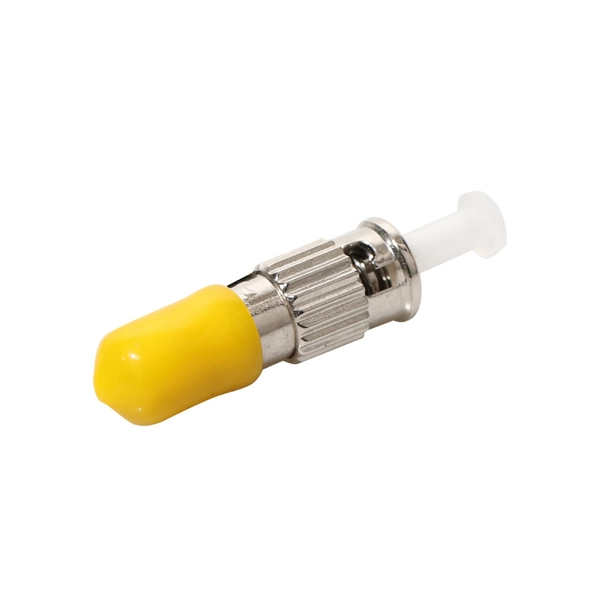
Switch optical port receives optical signals
An all-optical Ethernet switch is a network switch whose service ports are entirely optical, meaning every interface uses fiber rather than copper. This design enables end-to-end optical signal transmission, avoiding the conversion between electrical and optical signals at...
[PDF Version]
-
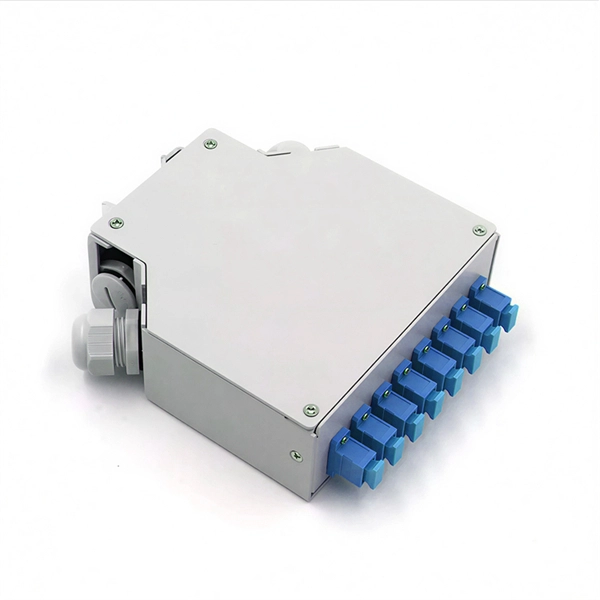
Checking port optical power on an H3C switch
Use the display poe interface interface-type interface-number command to display the PoE status of a specific port on the switch. We connect Moduletek QSFP-40G-LR4 transceiver to H3C S6820 switch, and demonstrate how to view port status and transceiver details on H3C devices...
-
Single-fiber single-mode optical port switch
Fiber optic switches (single-mode fiber optical switches) are passive devices possessing two or more ports which selectively transmits, redirects or blocks optical power in an optical fiber transmission line. They help make the network versatile and flexible, and perform...
[PDF Version]
-
How to identify port optical module parameters
The parameters of optical module include the light transmission power, the light reception power, the temperature, the power-supply voltage and the bias current. GPON System Optical Parameter Detection provides information about optical parameter diagnosis and the GPON port...
[PDF Version]
-
Switch optical port not working restart works normally
If the link light for the port does not come on, you can consider these possibilities: Connect cable from switch to a known good device. Make sure that both ends of the cable are plugged into the correct ports. This document describes how to determine why a port or interface...
[PDF Version]
-
Switch optical port CRC
This article describes the steps for troubleshooting CRC errors. CRC errors are mainly Layer-1 issues. If possible, try swapping the. This document describes what a CRC is, how it is used in the Frame Check Sequence (FCS) field of Ethernet frames, how CRC errors manifest on...
[PDF Version]
-

Connect all 12 cores of the optical cable together
Learn how to splice fiber optic cable using fusion splicing with this complete step-by-step guide. Includes tools, best practices, loss standards (ITU-T G. 652), cost analysis, and FAQs for network engineers and installers. The number of optical cores in an optical fiber is...
[PDF Version]
-
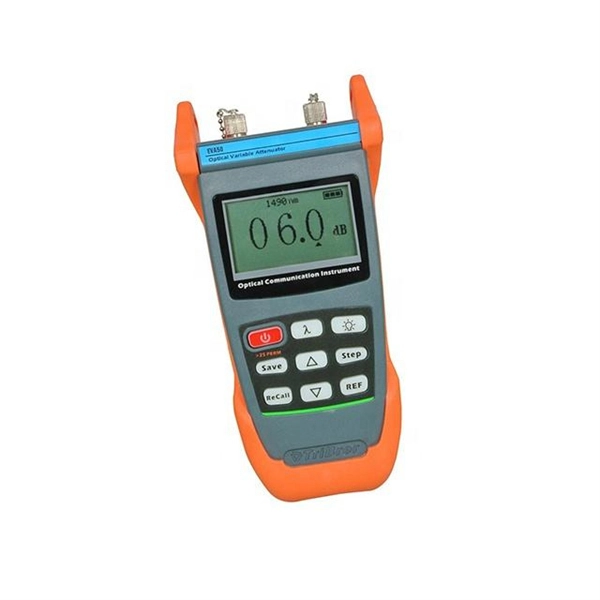
Which one is the switch s optical port light
One bicolor (green/amber) port status LED for each port on the switch. 1 Available only on switches with 10G ports. System has triggered a minor environmental alarm. The following table describes. Switches have LEDs for indicating power status, port status,link status, error...
[PDF Version]
-
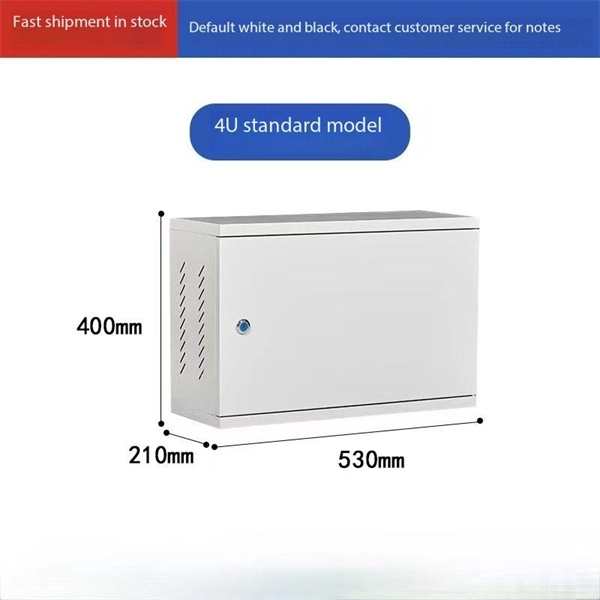
One switch with one electrical port and one optical port
Combo interface is also called photoelectric multiplexing interface, which is composed of two Ethernet ports (one optical port and one electrical port)on the switch panel. The combo electrical port and its corresponding optical port are logically photoelectric multiplexed...