
Bridge Mode Vs Router Mode In Onus What S The Difference
Search optical fiber, connectivity, cable management and network infrastructure references.
- Bridge
- Mode
- Router
Articles and technical references
9 on this page-
How to connect a cable bridge terminal box to a router
Plug the first main coaxial cable into the "Out" port on the cable box. We'll show you how to connect two routers together on a network to expand Wi-Fi access. If you're using streaming services such as Netflix or Hulu, connecting your router to your cable box can. There are...
-
Second Bridge in East Africa
The Second Niger bridge is a Nigerian Federal Government project that is 1. 99 mi) long and furnished with other ancillary infrastructure including a 10. 4 mi) highway, Owerri interchange and a toll station all at Obosi city near Onitsha, inaugurated in March 2022. It opened...
[PDF Version]
-
Coal conveyor bridge anti-corrosion paint
Find top anti corrosion bridge paint with salt spray resistance, low VOC, and high adhesion. Click to explore verified suppliers and get competitive pricing for 2026 projects. The global market is projected to grow significantly through. FEVE fluoropolymer coatings are a...
[PDF Version]
-
How to configure IP bandwidth control on a 100M fiber optic router
To control bandwidth in a router, follow these steps: Sign in to the router's admin panel. Go to the Bandwidth Control section. Click the Add New. Before configuring bandwidth management, it's important to identify: Total available bandwidth from ISP (e., 100 Mbps download /...
[PDF Version]
-
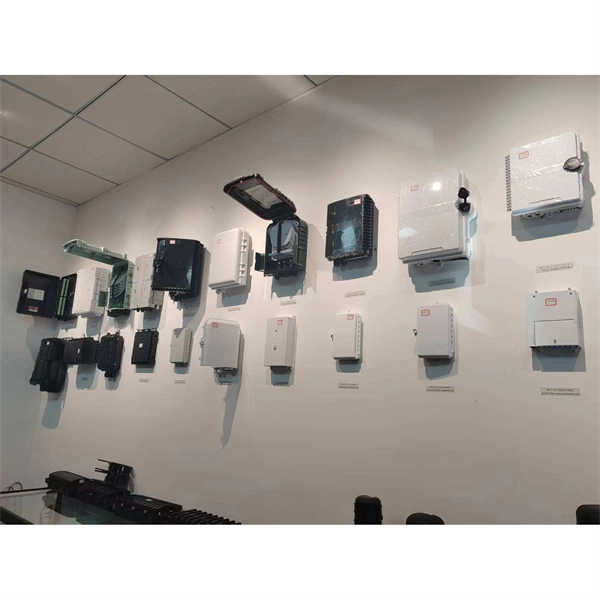
How to change the gateway on a fiber optic router
Follow these steps to access and change your router settings Open Command Prompt and type 'ipconfig'. Enter username and password (default is often 'admin' for both). [Wireless Router] How to set up ASUS Router with ONT (Fiber Connection from ISP / Singtel) *Not applicable...
[PDF Version]
-
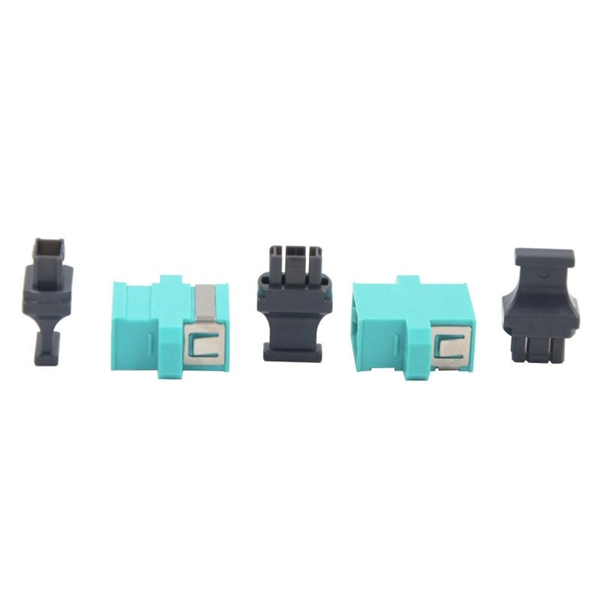
Papua New Guinea Optical Core Router QSFP28
QSFP28 MSA package with simplex LC connector Single +3. 3V power supply Power consumption <4 W Compliant to SFF-8636 SFF-8679 standard Compliant to 100G Lambda MSA 100G-LR Optical Specifications Complies with EU Directive 2015/863/EU Operating case temperature: 0 to +70...
-
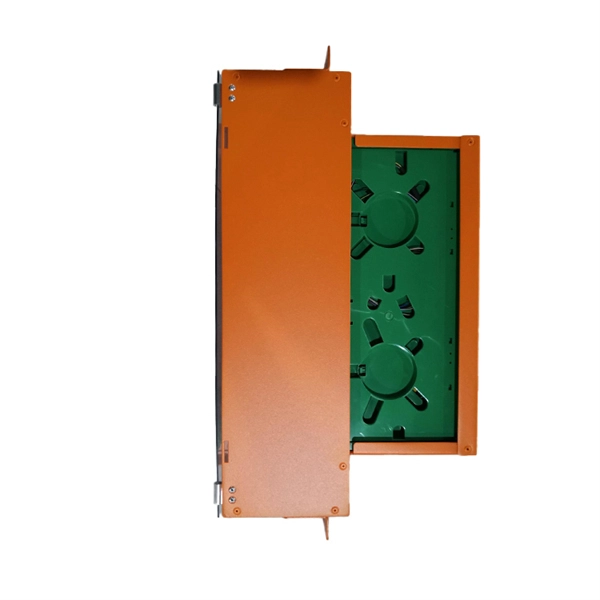
How to restore a router s fiber optic cable if it s short
This wikiHow article will teach you how to splice a cut fiber optic cable back together with a fiber optic stripper and cutter and a fiber optic crimper. Trim off any frayed or damaged ends of the cable. If you have the right tools and knowledge, you can definitely find the...
[PDF Version]
-
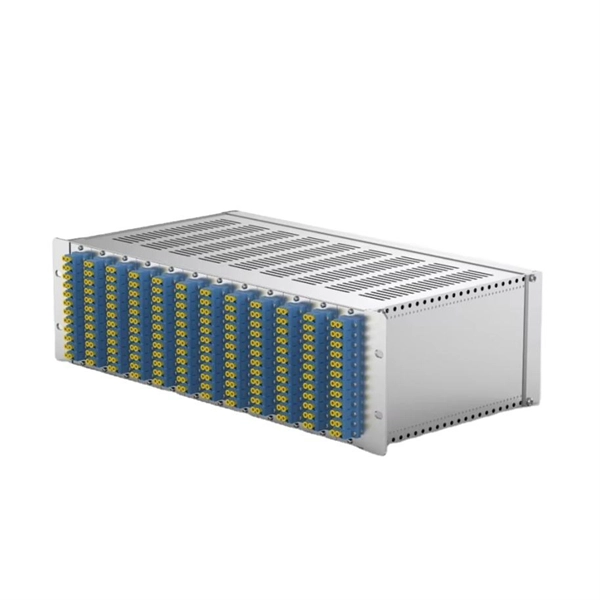
Fiber Optic LAN Router Configuration
To set up your router for fiber internet quickly, connect the router to your fiber modem, access the router's settings via a web browser, and input the provided ISP credentials. Compatible router: Verify that your router supports fiber optic input (look for an SFP or WAN port...
[PDF Version]
-
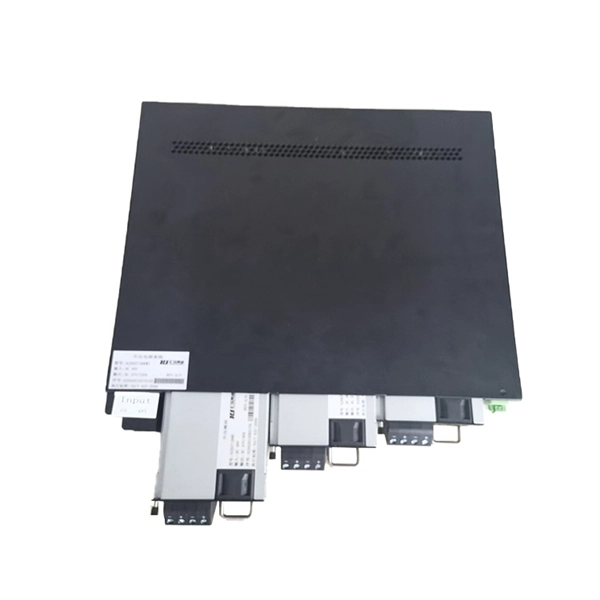
Wireless Router Fiber Optic Light Red Indicator
If the LOS light is blinking red on your fiber router or ONT, it usually means Loss Of Signal. This guide explains the meaning, common causes, safe home checks, and when the issue needs technician support. LOS means the fiber signal is not reaching the ONT/router properly...
[PDF Version]