
Campus Switches Huawei Enterprise
Search optical fiber, connectivity, cable management and network infrastructure references.
- Campus
- Switches
- Huawei
Articles and technical references
10 on this page-
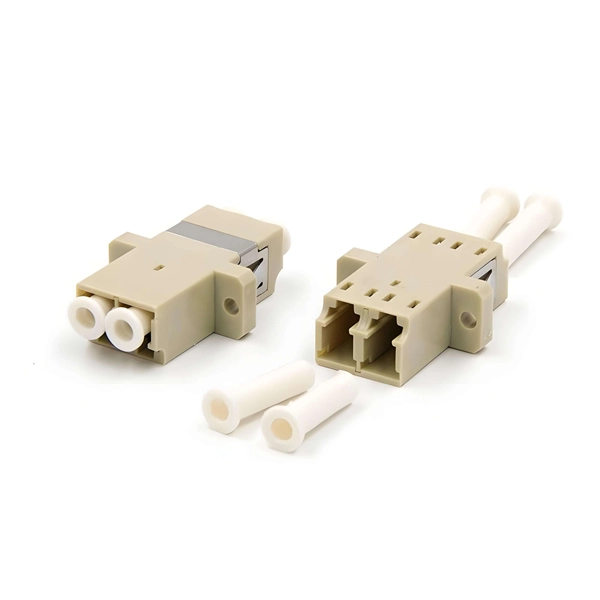
Enabling FTP Function on Huawei Fiber Optic Switches
Step 2 Enable the FTP server, and then configure the FTP server settings. In Username and Password, enter a user name and. The PC and switch can have different roles in FTP/TFTP file transfer: The PC functions as an FTP server. The following describes in detail the...
[PDF Version]
-
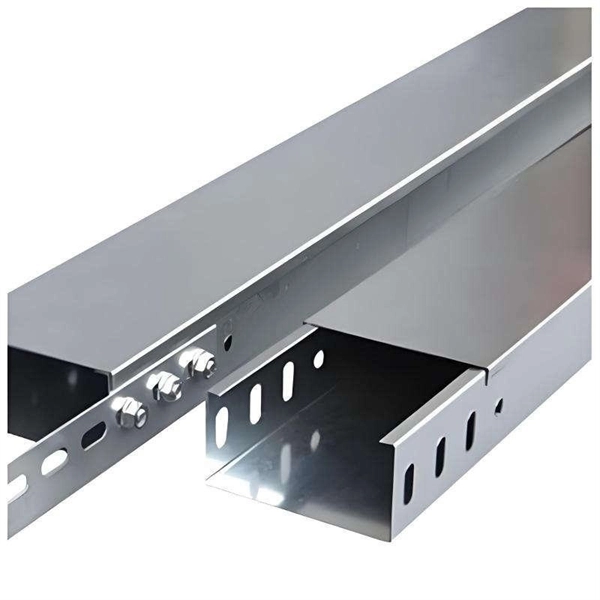
Checking Optical Port Loss on Huawei Switches
This document describes how to check the switch interface or port status and how to locate an interface physically down fault and restore the interface to the up state. Hardware failures: include hardware. Optical transceivers are widely applied in switches, network cards...
-
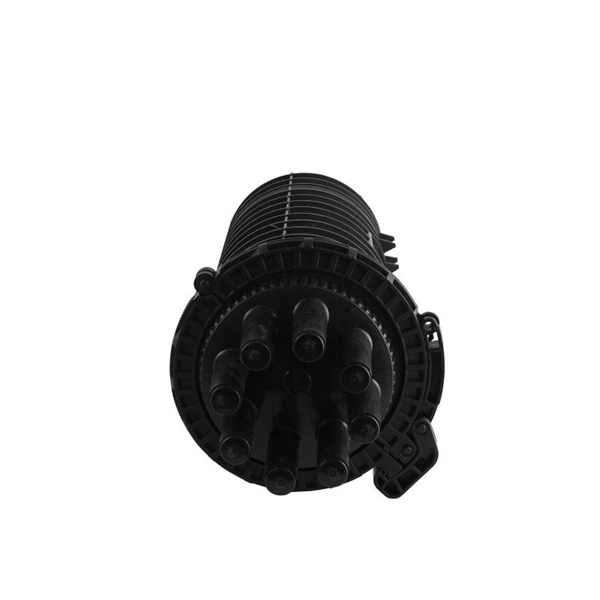
Huawei Core S-Series Switches
CloudEngine S6750-S series switches are Huawei's next-generation enterprise-class core and aggregation switches that provide downlink GE electrical ports, downlink 10GE/25GE optical ports, and uplink 25GE/100GE optical ports. Copyright © Huawei Technologies Co. No part of...
[PDF Version]
-
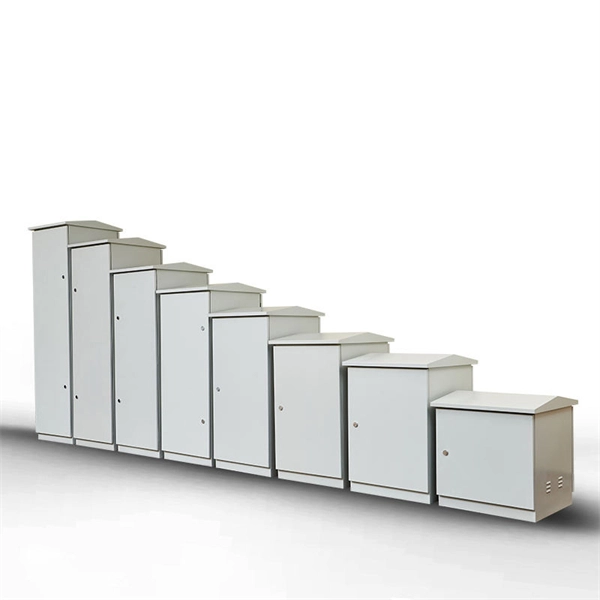
Fiber Optic Interfaces for Enterprise Switches
Fiber Interface Types and Selection Guidelines for Industrial Switches. For example, fiber optic interfaces with good sealing performance and anti vibrat.
[PDF Version]
-
What are the models of Huawei optical switches
What Is an All-Optical Ethernet Switch? Currently, Huawei all-optical Ethernet switches come in two series: S5700 and S6700. For details about the models.
[PDF Version]
-
Checking Port Optical Attenuation on Huawei Switches
Troubleshooting S Series Switch Port and Interface ProblemsIf the receive power of an optical module is too low or too high, use an optical power meter to.
[PDF Version]
-
Implementing Router Functions in Enterprise Core Switches
Native AC Solution: Core Switches Function as the Gateway for Wired In this example, a CSS of core switches functions as the gateway for wired and wireless.
[PDF Version]
-
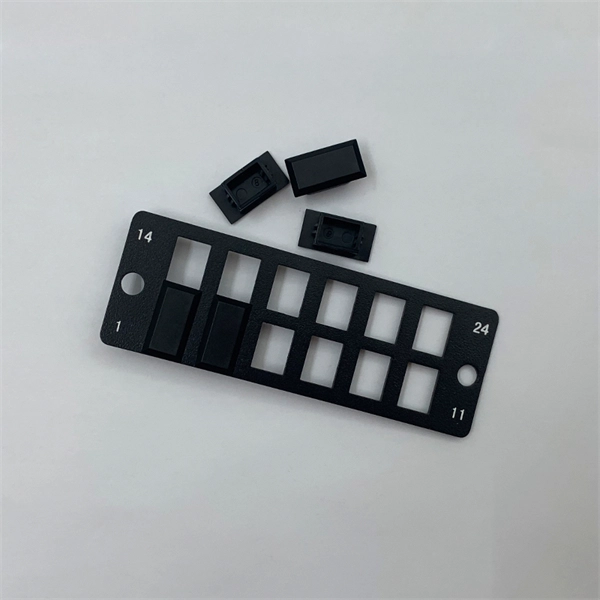
Relationship between network patch panels and switches
While patch panels are passive devices that connect network cables through patch panel ports, switches actively manage data traffic across network devices. In structured cabling, two components are fundamental to nearly every Enterprise LAN setup: the patch panel and the...
[PDF Version]
-
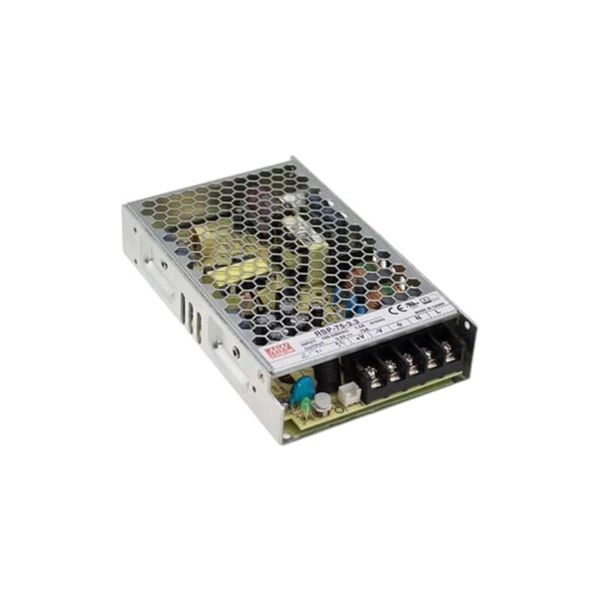
Fiber optic patch cord connects 2 switches
A fiber patch cable is a fiber optic cable with connectors on both ends. They are also called fiber jumpers. As data rates increase from 10G → 100G → 400G → 800G, patch cables must handle more bandwidth, more density, and stricter. Fiber optic patch cords, also known as fiber...
[PDF Version]
-
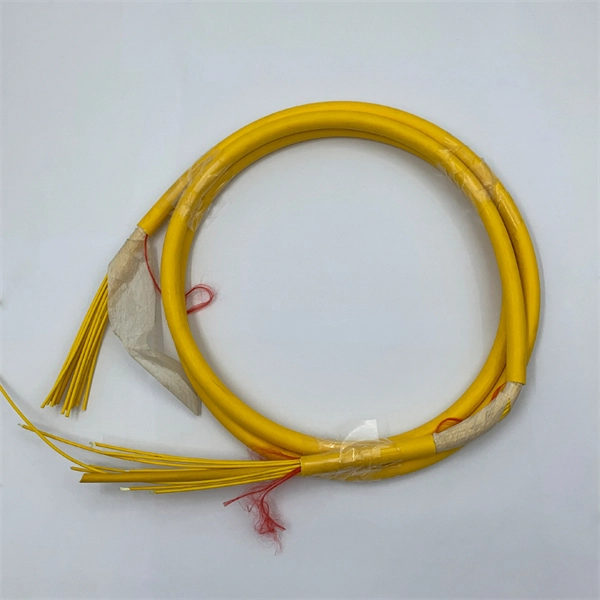
What should be considered when using industrial switches
In the pursuit of selecting the most suited industrial switches, several factors must be taken into account. Research reveals that understanding application compatibility, environmental conditions, and performance ratings are crucial in this decision-making process. Generally...
[PDF Version]