
How do you configure router settings?
Sometimes, the network settings on your PC aren't enough for your needs. If you need access to remote management or your IP address, you can log in...
Search optical fiber, connectivity, cable management and network infrastructure references.
8 Steps to configure your network switch Follow these simple best practices to set up a new network switch. Still fuzzy? Just like riding a bicycle, nobody.
[PDF Version]
Creating a Base Configuration for a Cisco IOS Switch: A Step-by-Step Learn how to set up a base configuration for network switches. Secure, optimize, and e.
[PDF Version]
To control bandwidth in a router, follow these steps: Sign in to the router's admin panel. Go to the Bandwidth Control section. Click the Add New. Before configuring bandwidth management, it's important to identify: Total available bandwidth from ISP (e., 100 Mbps download /...
[PDF Version]
Most modern fiber-enabled network switches require an SFP transceiver module featuring a duplex (two strand) multimode OM3 or duplex single mode OS2 connection with LC connectors. Direct attach cables with pre-terminated SFP connections may also be used. Download the...
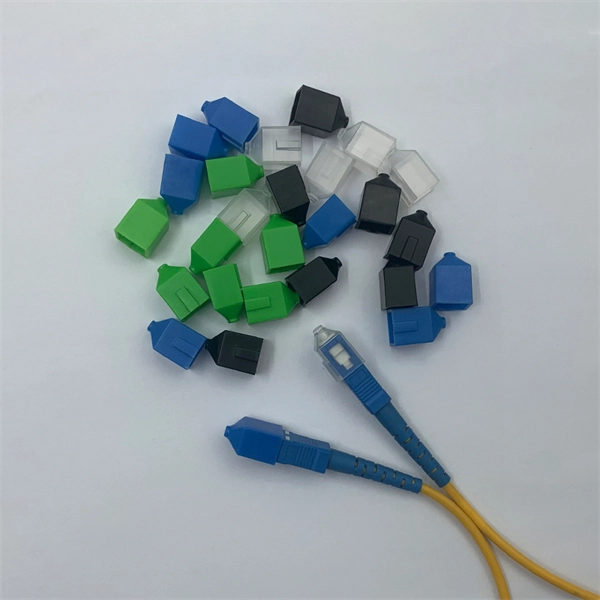
In B2B networking, the MAC address table size—typically 16K or 32K entries—determines how many unique devices a switch can learn before flooding traffic. Choosing the wrong capacity leads to broadcast storms, packet loss, and core backbone congestion. A MAC address table...
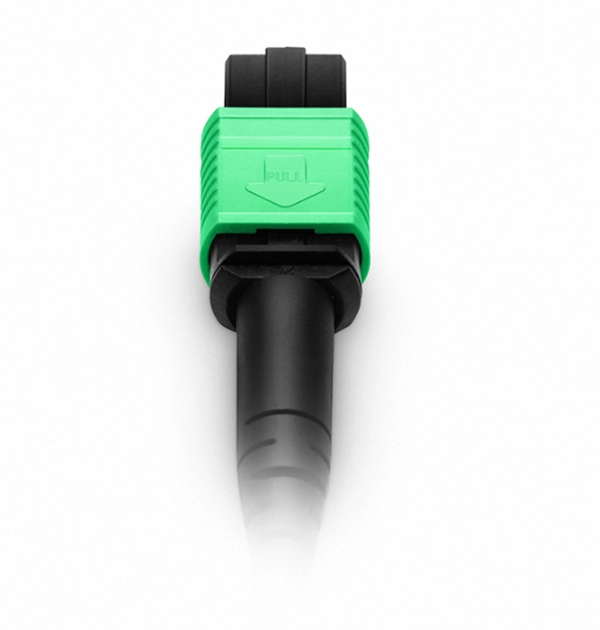
In this video, I'll break down 3 easy and practical ways to use fiber ports for high-speed connections: ✅ Method 1: SFP Copper Transceivers (RJ45 Media Converters) ✅ Method 2: Optical Modules + Fiber Patch Cables (LC-LC, Multimode/Singlemode) ✅ Method 3: Plug-and-Play. In...
[PDF Version]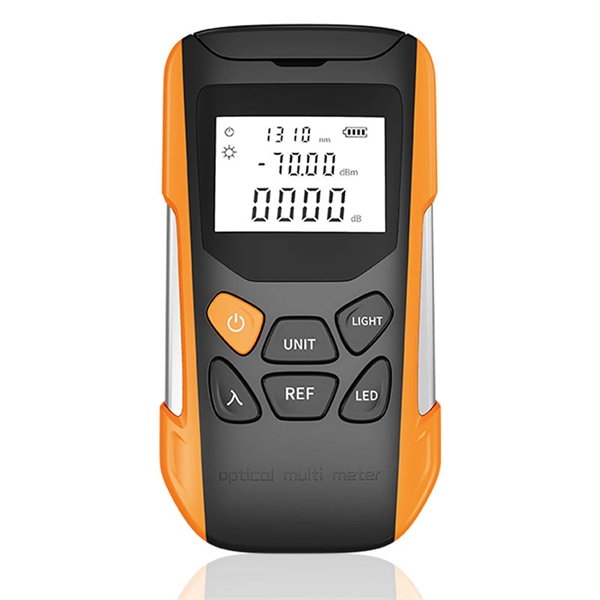
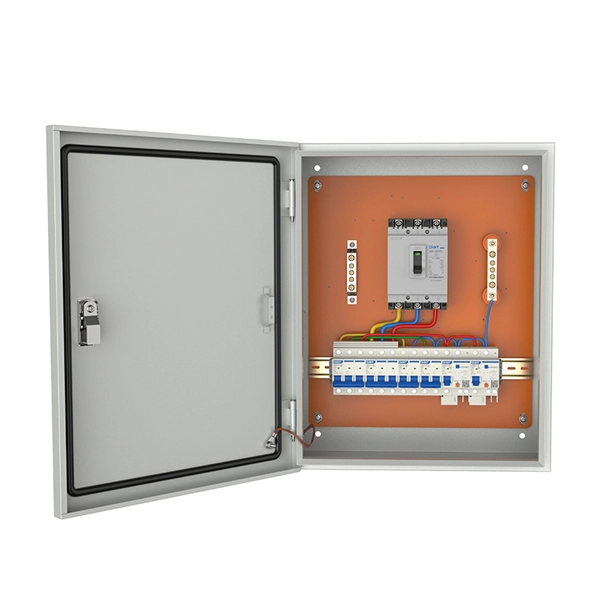
Learn how to install a distribution box safely and correctly. Covers wiring, placement, standards, and expert tips for a compliant setup. Whether you're a homeowner looking to understand your electrical setup, an electrician seeking comprehensive guidance, or a facility...
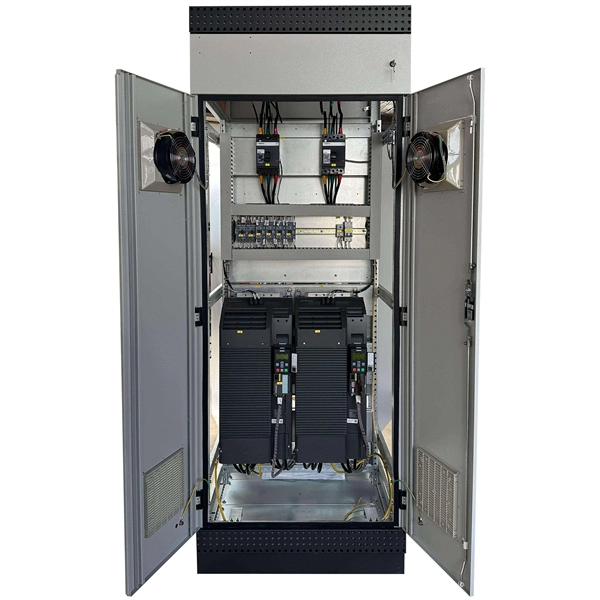
Connect one RJ-45 port on the switch to a network. In a high-speed network, use port 9 or 10. The following table describes the network cables that you can use for the switch connections and the speeds that these cables can support, up to 100 meters (328 feet). Even if you've...
[PDF Version]Sometimes, the network settings on your PC aren't enough for your needs. If you need access to remote management or your IP address, you can log in...
You use a gigabit ethernet cable, sometimes called a crossover cable, to connect a router to a switch. Since crossover cables are pretty short, you...
Having a wired connection gives you access to gigabit speeds of up to 1 gigabit per second (Gbps) or 1000 megabits per second (Mbps). While Wi-Fi f...
This article will guide you through the process of checking fiber optic cables in a Cisco switch, covering both physical inspection and software diagnostics. Before delving into software diagnostics, it is essential to perform a physical inspection of the fiber optic cables...
Share the fiber interfaces, termination capacity, cable route and evidence required for handover.