
Technical notes
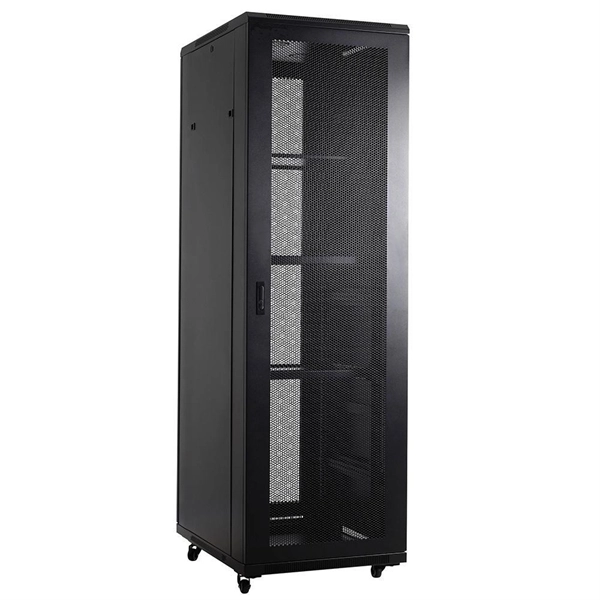
Network Cabinet Cabling: Guide & Documentation Tips
Practice-oriented guide to network cabinet cabling with documentation template, safety aspects & software tips.
8 Steps to configure your network switch
Follow these simple best practices to set up a new network switch. Still fuzzy? Just like riding a bicycle, nobody''s born knowing how to setup a network switch. And this process is a little more advanced
How To Connect a Network Switch?
This article breaks down the process into manageable steps, exploring the benefits and potential pitfalls along the way. Whether you''re a beginner or just need a refresher, this guide will
How to Use a Network Switch: Beginner''s Easy Step-by-Step Guide
Learn how to use and set up network switch easily! A practical, beginner-friendly guide for choosing, installing, configuring, and troubleshooting switches.
How to mount switch in rack—Entire switch rack installation Guide
Whether you''re setting up a new data center, a server closet, or a home lab, knowing exactly how to mount a switch in a rack is an essential skill. This guide breaks down the entire switch
Attaching the Switch to a Rack or Cabinet
To attach a switch to a two-post rack, a four-post rack, or a cabinet, follow these steps. Take care to load the rack so that it is not top-heavy. Start installing equipment at the bottom and work up. The X440
How to Connect Ethernet Cables
In this guide, we discuss the different ways to connect Ethernet cables via Ethernet switches and Ethernet couplers.
Switch Installation and Upgrade: A Step-by-Step Guide for Home and
This detailed guide will walk you through the process of installing and upgrading a network switch, including the necessary tools, common mistakes to avoid, and how to future-proof your setup.
Connecting the Switch to the Network
After you perform the initial configuration for the switch and create a management connection, you are ready to connect the interface ports on the switch to other devices.
How To Install A Network Switch?
This guide explains how to install a network switch, transforming your network by expanding connectivity, boosting performance, and streamlining data flow with a simple yet effective
How to Install a Network Switch
Network switches for home and small office use are typically stand-alone units, while switches for larger networks are usually rack-mounted. Either way, they typically use either Cat5 or Cat6 ethernet
How To Hook Up A Network Switch
Introduction So, you''ve decided to expand your home or office network, and now you''re ready to learn how to hook up a network switch. A
How To Set Up A Network Switch And Patch Panel
Learn how to set up a network switch and patch panel with our comprehensive guide. Get expert tips for optimizing your network performance.
Mastering the Art of Rack Mounting: A Comprehensive
Experts like information technology specialists and networking practitioners can benefit from efficient rack mounting to optimize their
Switch Installation and Upgrade: A Step-by-Step Guide for Home and
Learn how to install and upgrade a network switch with this beginner-friendly guide from TechGN. Get expert tips for setting up and managing home and office networks, including step-by-step setup
Mounting Configurations, Network Switch Setups
Learn how to optimize network switch setups by mastering mounting configurations. Explore rack, wall, and desktop mounting options for enhanced performance and efficiency.
How To Put A Network Switch In The Wall
Learn how to properly install a network switch in a wall for efficient connectivity and organization. Follow these step-by-step instructions for a seamless setup.
How to Properly Install and Set Up a Network Cabinet System
Installing and setting up a network cabinet system correctly is essential for maintaining an efficient and organized network infrastructure. In this comprehensive guide, we will walk you through