
What is inter-VLAN routing?
You can forward traffic from one virtual LAN to another and this technique is called inter-VLAN routing.
Search optical fiber, connectivity, cable management and network infrastructure references.
This article shows you how to create and configure your virtual switch using Hyper-V Manager or PowerShell. A virtual switch allows virtual machines created on Hyper-V hosts to communicate with other co.
This document provides a sample configuration for Inter VLAN routing with a Catalyst 3850 series switch in a typical network scenario. The document uses two Catalyst 4500 series switch as Layer 2 (L2) s.
[PDF Version]You can forward traffic from one virtual LAN to another and this technique is called inter-VLAN routing.
VLANs can be used to enforce security, creating different zones of security levels for different users or applications. However, in many cases, it...
There are three types of inter-VLAN routing and these are: Legacy Inter-VLAN routing Uses a router with several Ethernet sockets, linking each to a...
We follow the 80% rule : Safe Continuous Load = Circuit Breaker Rating × 0. 8 Example: Need a circuit for your 1,800W microwave? Calculator Tip: Tools like Desmos' scientific calculator make light work of conversions. Just plug in your wattage and voltage—let it handle the...
Lift the door off the bottom hinge, and then set the door aside. Repeat the. The cabinets are available in 600mm and 800mm widths and 600mm and 800mm depths. instructions cover other depths, widths and heights as well as standard door installation. Instructions for...
[PDF Version]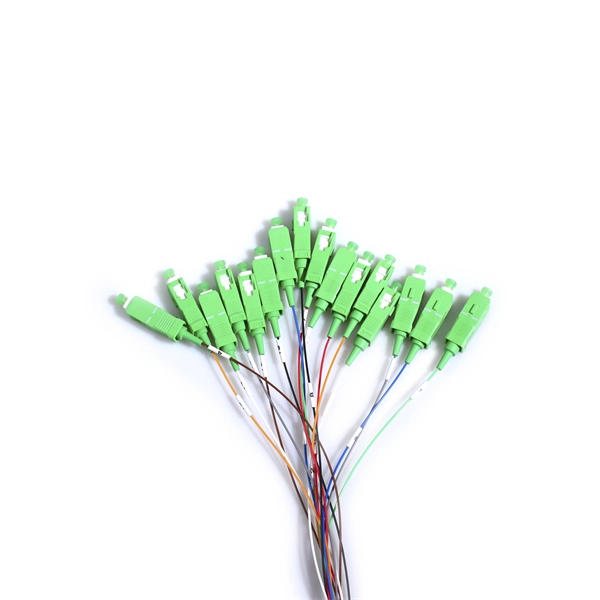
To plan your patch panel port density and rack cable layout, first estimate how many ports you need in your rack. Rack height is measured in rack units (U). We'll cover technical best practices, procurement tips, real-world challenges, and answers to common questions. Whether...
[PDF Version]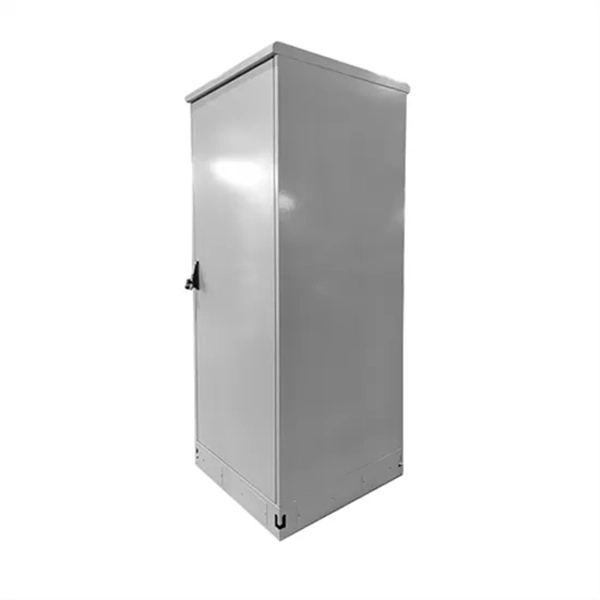
The ring interface adapts a token passing network of work-stations from coaxial cable to 50 micron core, telecommunications type, fiber optic cable. Each node is connected to two other nodes, forming a ring-like structure. This design ensures data can travel in both...
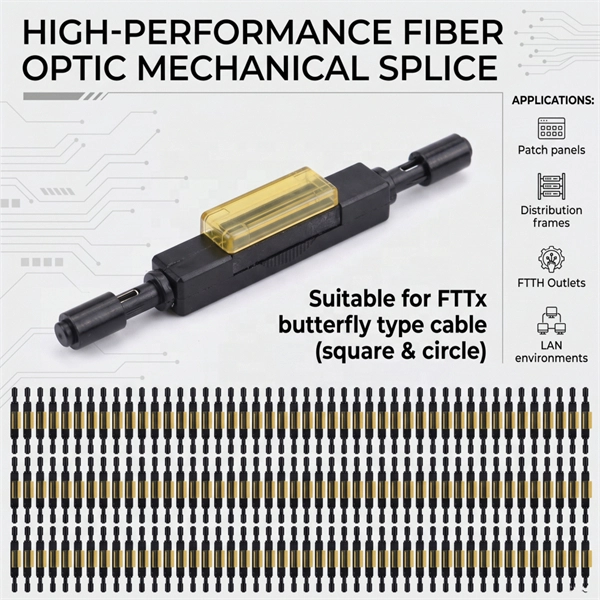
This guide combines industry best practices with advanced protective solutions like shock pallets and custom server-rack crates to help you move racks safely, efficiently, and with confidence. Server racks contain tightly mounted components that can shift or break under...
[PDF Version]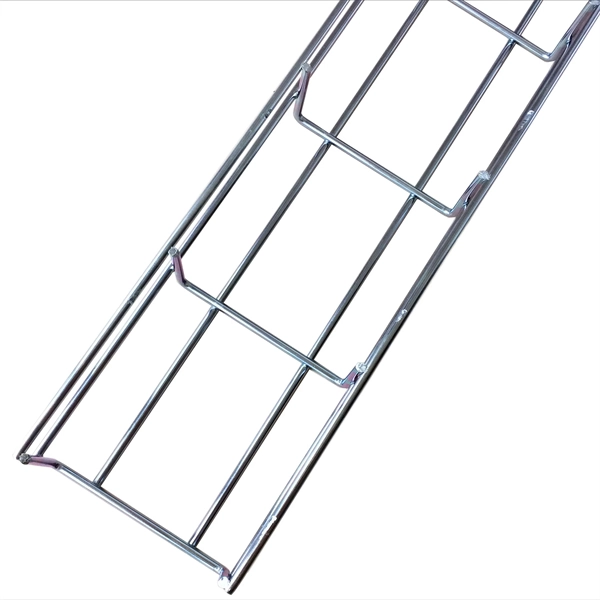
This guide explains smart rack cabling steps that work for homes and small businesses. You will learn layout basics, spacing rules, labeling habits, and grounding steps. Cables plug in, and devices turn on. This guide. How do you figure out the right number of rack units for...
[PDF Version]Share the fiber interfaces, termination capacity, cable route and evidence required for handover.