
How can one identify a broken fiber optic cable?
To identify a broken fiber optic cable, start by performing a visual inspection for any physical signs of damage, such as bends, cracks, or breaks...
Search optical fiber, connectivity, cable management and network infrastructure references.
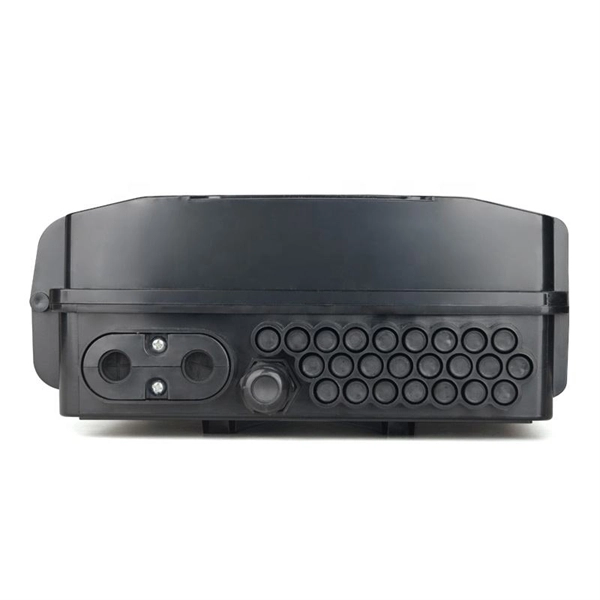
Fiber Optic Troubleshooting Guide: Problems, Tools & SolutionsLearn how to troubleshoot fiber optic cables with common problems, a step-by-step process, es.
[PDF Version]To identify a broken fiber optic cable, start by performing a visual inspection for any physical signs of damage, such as bends, cracks, or breaks...
There are several methods to test fiber optic cables without a tester. One method is using a visual fault locator (VFL), as mentioned earlier, to v...
Intermittent fiber optic connections can be caused by a variety of factors, including: Poorly terminated connectors or splices that result in unsta...
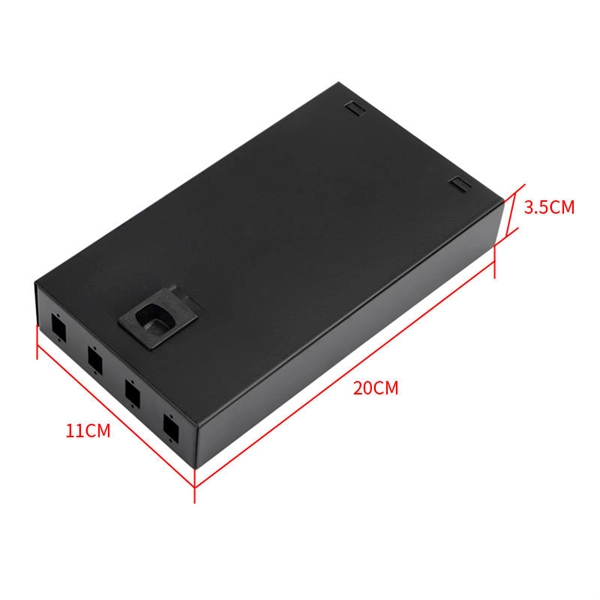
The parameters of optical module include the light transmission power, the light reception power, the temperature, the power-supply voltage and the bias current. GPON System Optical Parameter Detection provides information about optical parameter diagnosis and the GPON port...
[PDF Version]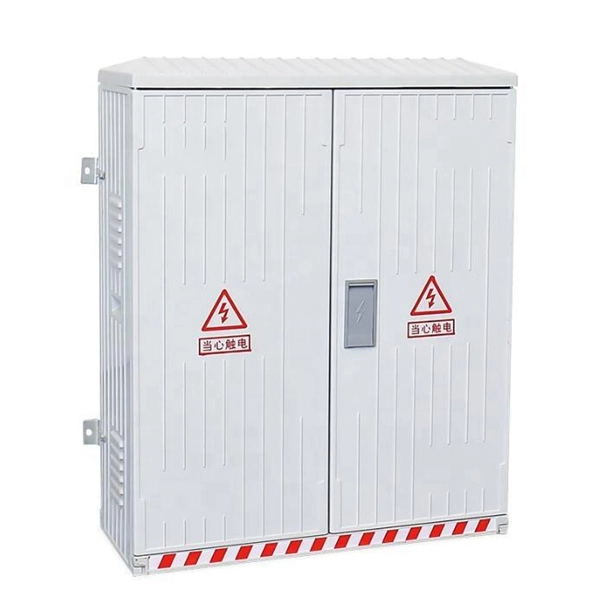
The TIA-598 standard defines a 12-color sequence, which repeats for higher fiber counts. The fiber color code is a standardized method that assigns specific colors to fiber optic components—including outer cable jackets, individual fiber strands, and connectors—to ensure...

Fiber Optic Cable Distance: A Comprehensive GuideLearn all about fiber optic cable distance and the key factors that affect it. Find out how to select the.
[PDF Version]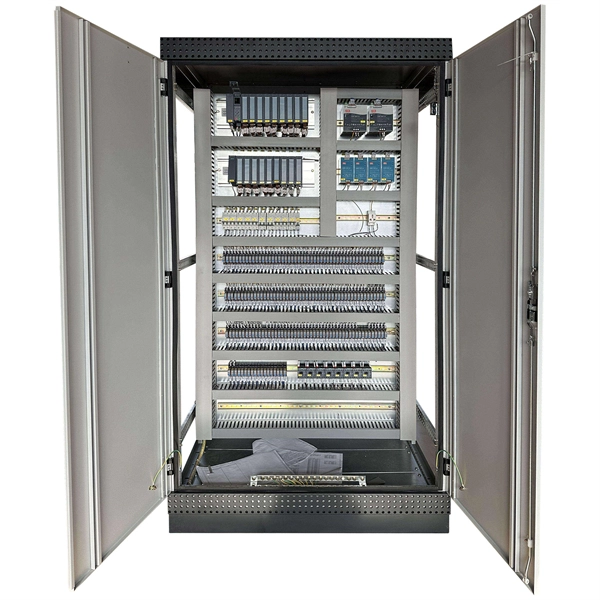
How to determine if a fiber optic sensor is good or badOverview Explore the pros and cons of fiber optic sensors, including their immunity to EMI, high sen.
[PDF Version]
IEC 60446 Explained: Wiring Colors & Terminal Identification GuideLearn wiring color codes, terminal identification, and conductor labeling for compliant i.
[PDF Version]
(often simply called "spectrometers"), in particular, show the intensity of as a function of wavelength or of frequency. The different wavelengths of light are separated by in a or by by a. is an example. These spectrometers utilize the phenomenon of. The light from a s.
[PDF Version]
Use color coding for fiber types to quickly identify cables. Yellow indicates single-mode fiber, while orange and aqua mark multimode fibers. Follow TIA-606-B standards for labeling. Fiber optic cables are crucial for high-speed data transmission, and identifying them...
[PDF Version]Share the fiber interfaces, termination capacity, cable route and evidence required for handover.