
How do you configure router settings?
Sometimes, the network settings on your PC aren't enough for your needs. If you need access to remote management or your IP address, you can log in...
Search optical fiber, connectivity, cable management and network infrastructure references.
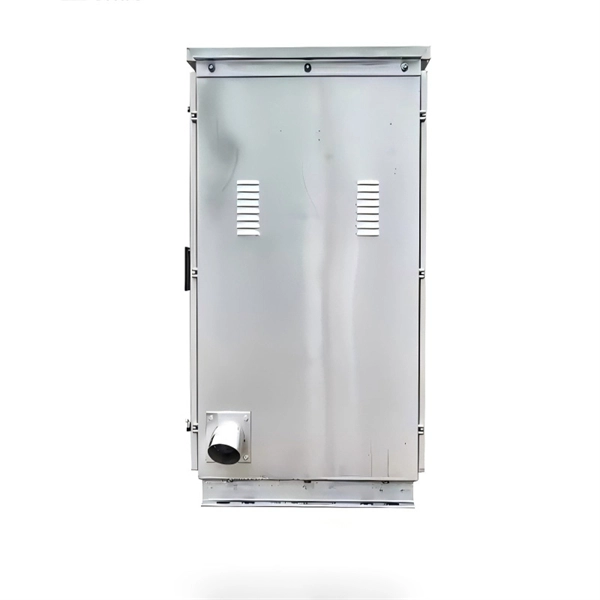
This article will guide you through the process of checking fiber optic cables in a Cisco switch, covering both physical inspection and software diagnostics. Before delving into software diagnostics, it is essential to perform a physical inspection of the fiber optic cables...
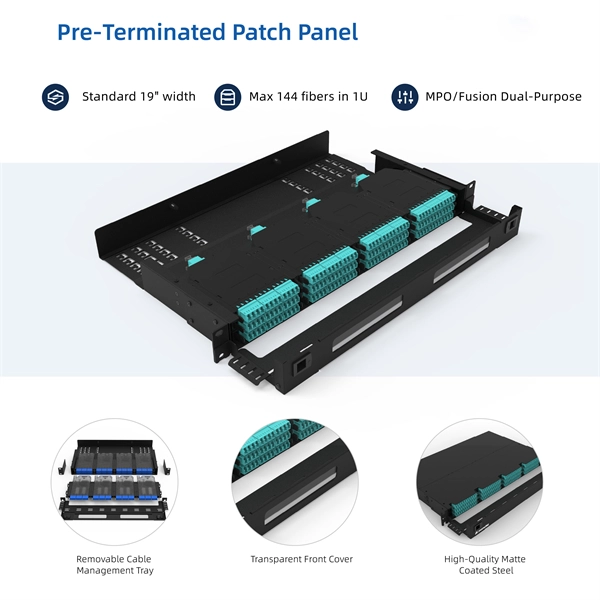
The fastest way to test a fluorescent tube is with a multimeter set to continuity mode. If either filament is broken, the tube is dead. The whole test takes about 30 seconds per tube once you know what. A multimeter allows you to perform basic electrical tests, providing...
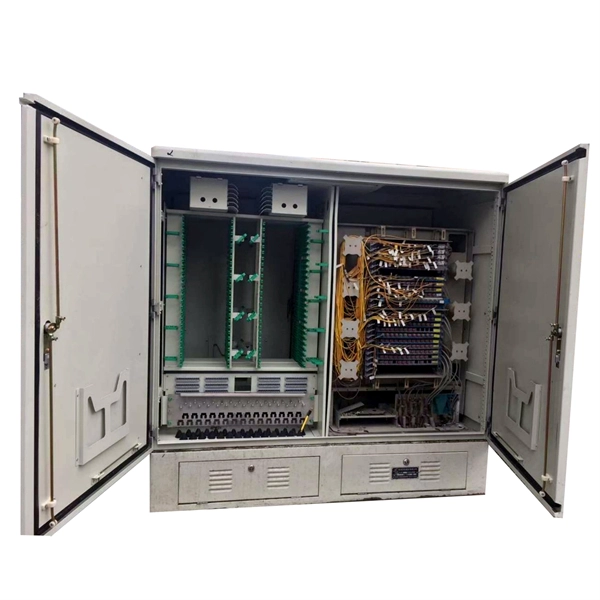
How To Check Light Switch For Power With Multimeter?This comprehensive guide will equip you with the knowledge and step-by-step instructions on how to chec.
[PDF Version]
Most modern fiber-enabled network switches require an SFP transceiver module featuring a duplex (two strand) multimode OM3 or duplex single mode OS2 connection with LC connectors. Direct attach cables with pre-terminated SFP connections may also be used. Download the...
In B2B networking, the MAC address table size—typically 16K or 32K entries—determines how many unique devices a switch can learn before flooding traffic. Choosing the wrong capacity leads to broadcast storms, packet loss, and core backbone congestion. A MAC address table...
In this video, I'll break down 3 easy and practical ways to use fiber ports for high-speed connections: ✅ Method 1: SFP Copper Transceivers (RJ45 Media Converters) ✅ Method 2: Optical Modules + Fiber Patch Cables (LC-LC, Multimode/Singlemode) ✅ Method 3: Plug-and-Play. In...
[PDF Version]
A VFL is used to detect faults, breaks, or bends in fiber optic cables by emitting a bright red light that is visible even through the fiber's jacket. It's a cost-effective and. Check each product page for other buying options. Compatible with SC, ST, FC, and E2000...
[PDF Version]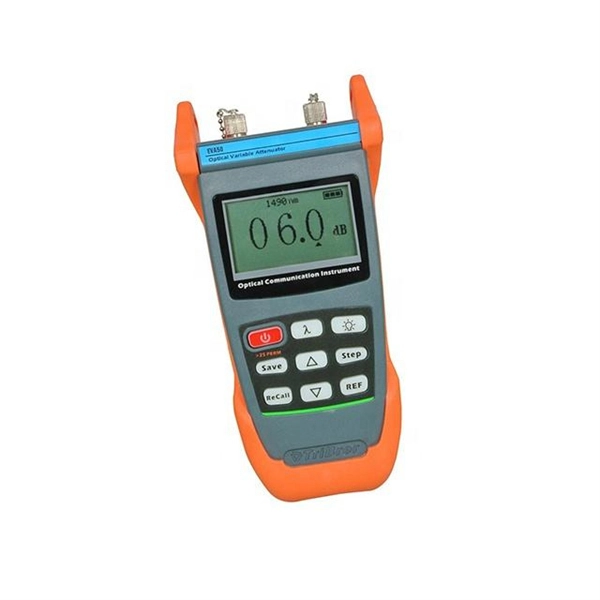
One bicolor (green/amber) port status LED for each port on the switch. 1 Available only on switches with 10G ports. System has triggered a minor environmental alarm. The following table describes. Switches have LEDs for indicating power status, port status,link status, error...
[PDF Version]
Connect one RJ-45 port on the switch to a network. In a high-speed network, use port 9 or 10. The following table describes the network cables that you can use for the switch connections and the speeds that these cables can support, up to 100 meters (328 feet). Even if you've...
[PDF Version]Sometimes, the network settings on your PC aren't enough for your needs. If you need access to remote management or your IP address, you can log in...
You use a gigabit ethernet cable, sometimes called a crossover cable, to connect a router to a switch. Since crossover cables are pretty short, you...
Having a wired connection gives you access to gigabit speeds of up to 1 gigabit per second (Gbps) or 1000 megabits per second (Mbps). While Wi-Fi f...
Most access switches come with 10/100/1000Mbps ports. Whether to use Fast Ethernet or Gigabit Ethernet depends on the specific requirements of your network. With standard 1500 byte packets, you only need to send 83,333 packets per second to reach 1Gbps (we'll call this 83...
Share the fiber interfaces, termination capacity, cable route and evidence required for handover.