
Huawei Network Switches
Search optical fiber, connectivity, cable management and network infrastructure references.
- Huawei
- Network
- Switches
Articles and technical references
10 on this page-
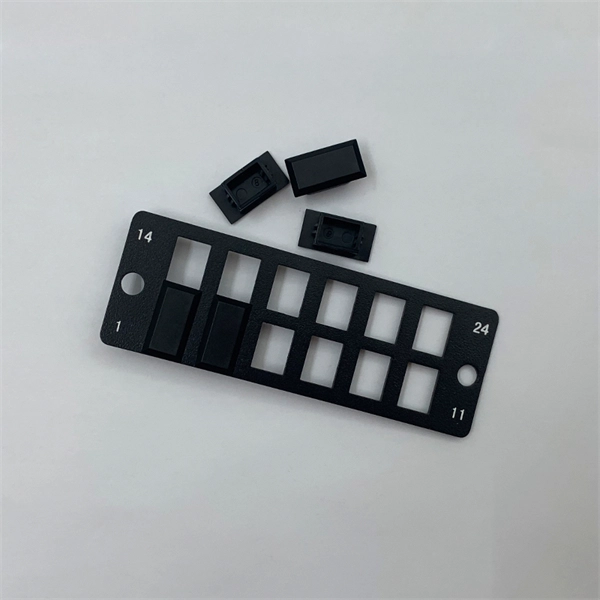
Relationship between network patch panels and switches
While patch panels are passive devices that connect network cables through patch panel ports, switches actively manage data traffic across network devices. In structured cabling, two components are fundamental to nearly every Enterprise LAN setup: the patch panel and the...
[PDF Version]
-
Multiple external network access switches
This article shows you how to create and configure your virtual switch using Hyper-V Manager or PowerShell. A virtual switch allows virtual machines created on Hyper-V hosts to communicate with other co.
-
Enabling FTP Function on Huawei Fiber Optic Switches
Step 2 Enable the FTP server, and then configure the FTP server settings. In Username and Password, enter a user name and. The PC and switch can have different roles in FTP/TFTP file transfer: The PC functions as an FTP server. The following describes in detail the...
[PDF Version]
-
Industrial switches with wireless network
Industrial WiFi Ethernet switches combine wired Ethernet switching with an integrated wireless access point, enabling reliable wired-to-wireless connectivity in industrial environments where cabling is limited or mobility is required. Discover automated, intelligent, and...
[PDF Version]
-
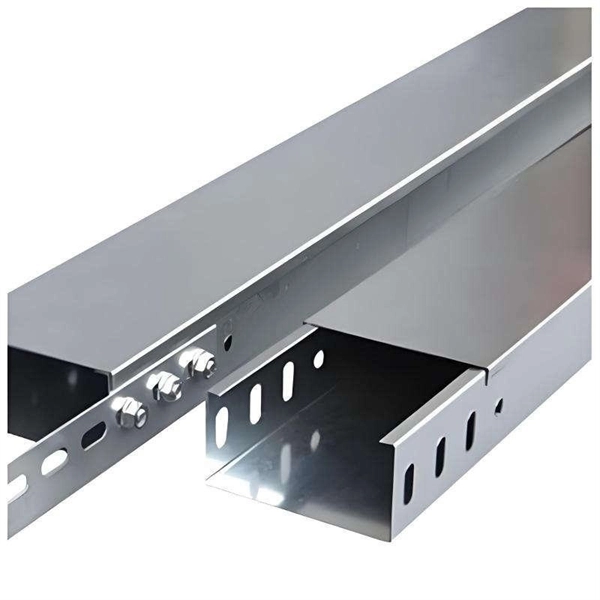
Checking Optical Port Loss on Huawei Switches
This document describes how to check the switch interface or port status and how to locate an interface physically down fault and restore the interface to the up state. Hardware failures: include hardware. Optical transceivers are widely applied in switches, network cards...
-
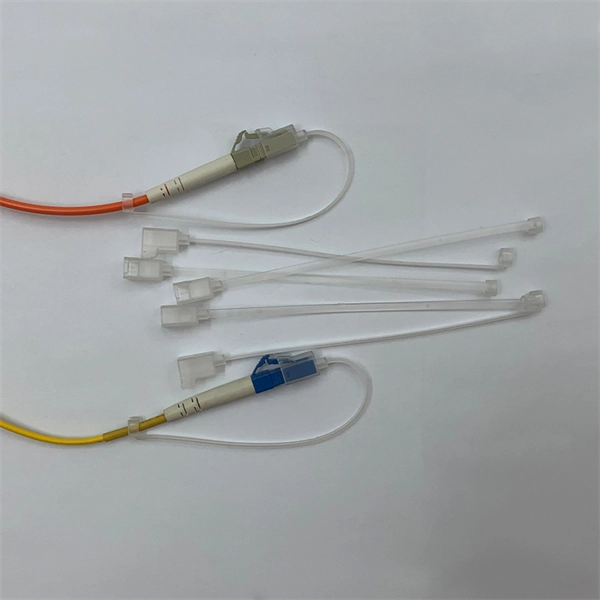
How to use switches to form a network access
Setting up and using a network switch effectively is straightforward. Just plug your devices into the switch using Ethernet cables, power it up, and—if desired—take advantage of optional configuration features for better network management and performance. However, a network...
[PDF Version]
-
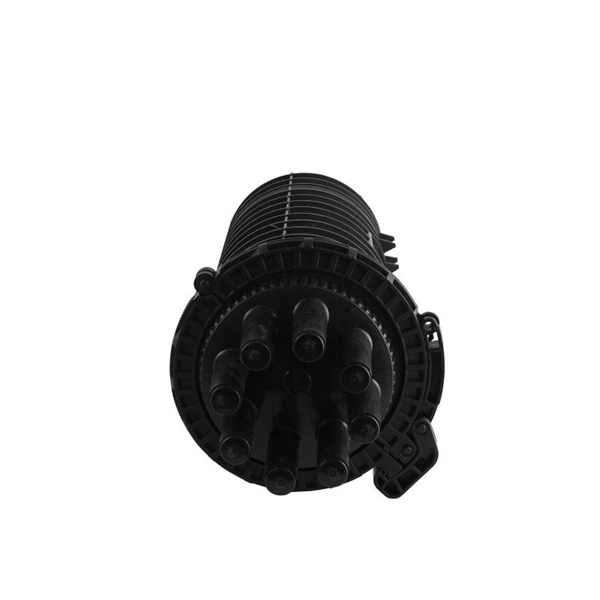
Huawei Core S-Series Switches
CloudEngine S6750-S series switches are Huawei's next-generation enterprise-class core and aggregation switches that provide downlink GE electrical ports, downlink 10GE/25GE optical ports, and uplink 25GE/100GE optical ports. Copyright © Huawei Technologies Co. No part of...
[PDF Version]
-
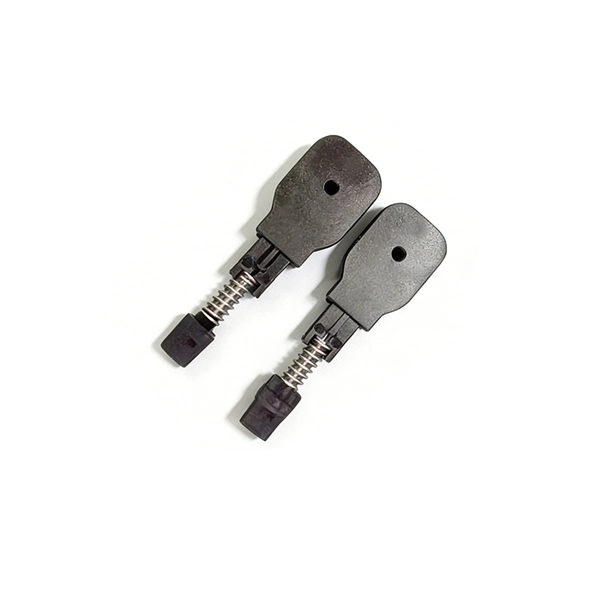
Network cabinets and switches
A Network Cabinet, often interchangeably called a server rack, is a physical frame or enclosure designed to house and organize various types of network hardware and accessories. The cabinets offer a modular and scalable system that adapts to changing requirements for hosting...
[PDF Version]
-
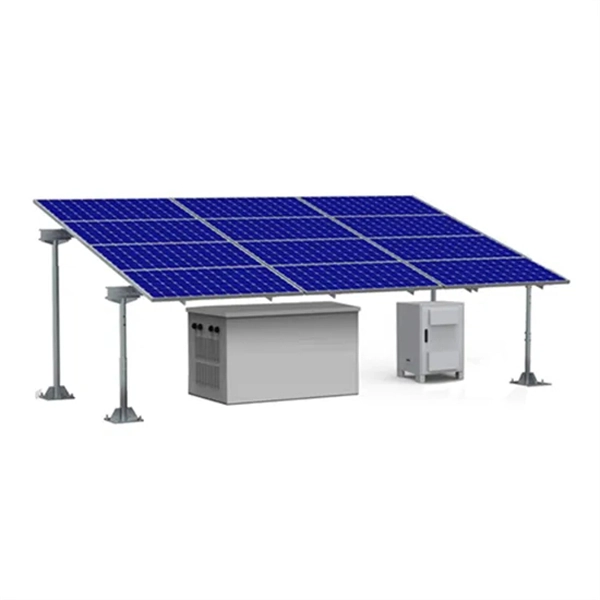
Installation and Deployment of Internal Network Core Switches
This guide provides instructions on how to plan and deploy the core components required for a fully functioning network and a new Active Directory domain in a new forest.
-
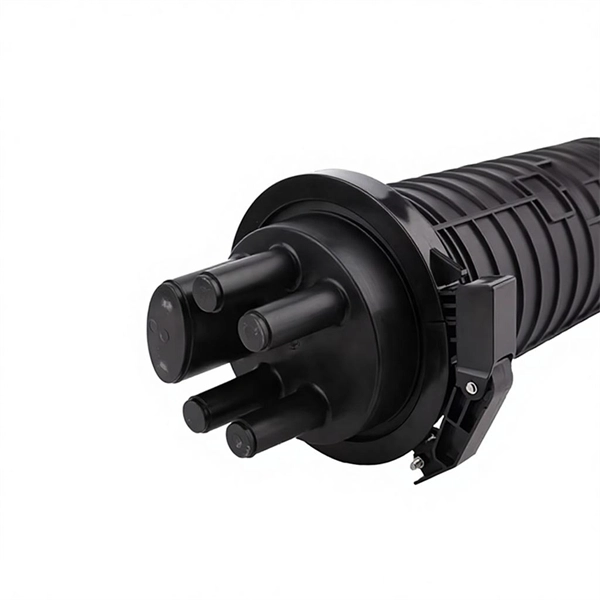
Network Connections of Core Switches
Core switches are equipped with advanced port configurations to handle high-bandwidth requirements. They often feature: 10G SFP+ for high-speed connectivity. Understanding the Backbone of Your Network What's the difference between a core switch and an access switch? Does...
[PDF Version]