
What is a PLC Cabinet?
A PLC Cabinet is a secure enclosure that houses a Programmable Logic Controller (PLC) and its accessories, offering protection from environmental a...
Search optical fiber, connectivity, cable management and network infrastructure references.
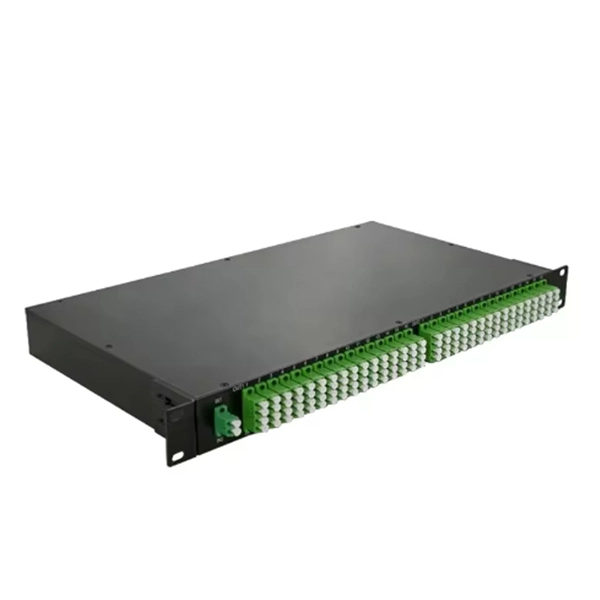
Learn professional control panel wiring standards, including cabinet layout, grounding rules, wiring principles, common mistakes, EMI prevention, and best practices for building clean and reliable industrial control cabinets. An example of a wiring diagram for a motor...
[PDF Version]A PLC Cabinet is a secure enclosure that houses a Programmable Logic Controller (PLC) and its accessories, offering protection from environmental a...
PLC is an industrial computer used for automation, while PCB is a circuit board that connects electronic components.
PLC boards vary by application and can be relay output, analog I/O, digital I/O, or communication boards.
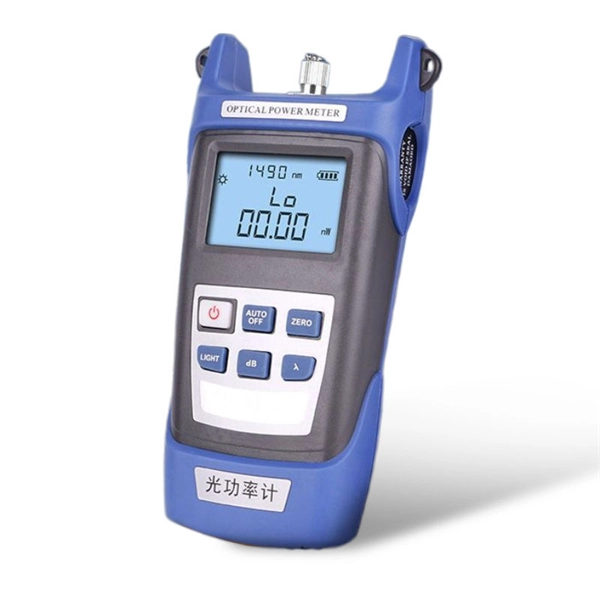
To properly connect a 220V circuit, start by selecting the correct wire gauge. Use at least 12 AWG copper or 10 AWG aluminum wires to ensure safety and prevent overheating. Make sure the circuit breaker is rated for the appliance's required current, typically 15A or 20A...
[PDF Version]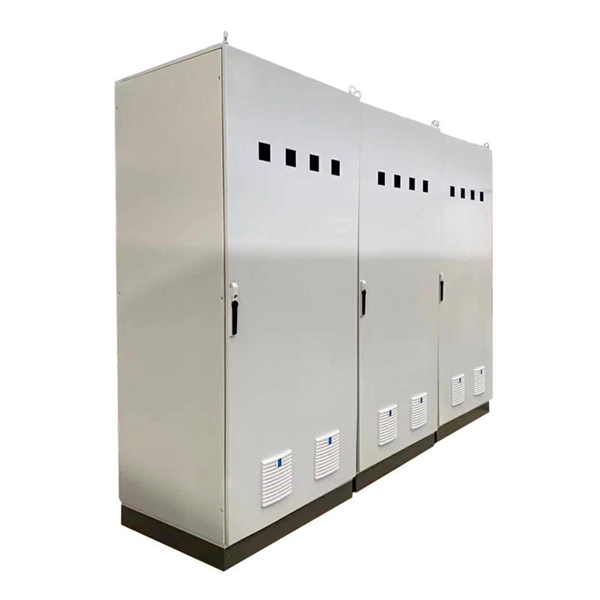
Electrical enclosures typically contain circuit breakers, contactors, busbars, terminal blocks, switches, and wiring components. Additional accessories such as DIN rails, cable glands, cooling devices, and monitoring sensors help support mounting, wiring management, and...
[PDF Version]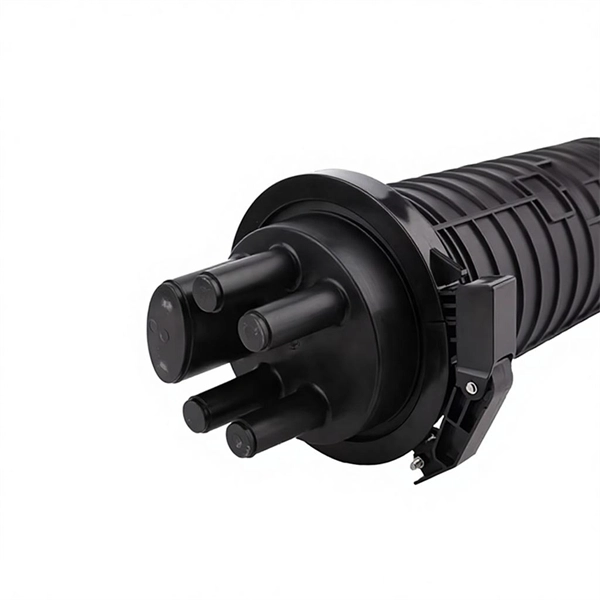
This guide provides essential best practices for server rack setup and organization, covering steps for effective installation, cable management, standards compliance, power distribution, cooling methods, and security measures. An in wall network cabinet is a special type of...
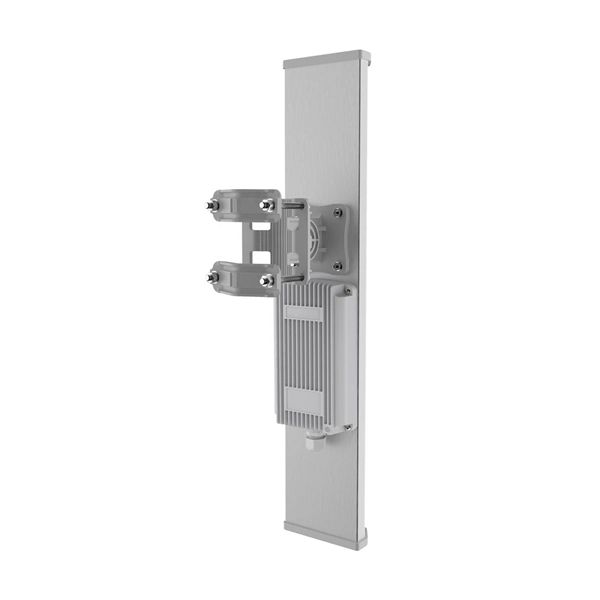
A common size is 42U, which means it can hold 42 units of equipment. This is called the EIA-310 standard. The outside of the rack is often 24 inches wide to leave space for cables. How to Choose a 42U Server Rack Cabinet for Your Data Center or Server Room Quick Specs – 42U...
[PDF Version]
Lift the door off the bottom hinge, and then set the door aside. Repeat the. The cabinets are available in 600mm and 800mm widths and 600mm and 800mm depths. instructions cover other depths, widths and heights as well as standard door installation. Instructions for...
[PDF Version]
Outdoor network cabinets keep equipment safe from bad weather. This helps them work well and lowers repair costs. Pick cabinets with strong IP ratings like IP65 or IP67. Locks and alarms are important to stop theft or damage to. When protecting important equipment outside, an...
[PDF Version]
3D Warehouse is a website of searchable, pre-made 3D models that works seamlessly with SketchUp. A network closet, often a small room or designated area within a building, houses the network hardware needed for data communication. It is where routers, switches and other...
[PDF Version]Share the fiber interfaces, termination capacity, cable route and evidence required for handover.