
Telecom Tower Site Selection
Search optical fiber, connectivity, cable management and network infrastructure references.
- Telecom
- Tower
- Site
Articles and technical references
10 on this page-
OPGW optical cable tower grounding
An optical ground wire (also known as an OPGW or, in the IEEE standard, an optical fiber composite overhead ground wire) is a type of cable that is used in overhead power lines. Such cable combines the functions of grounding and telecommunications. Prysmian has a built-in...
[PDF Version]
-
Construction site electrical distribution box icon
Download the Electrical Distribution Box Icon Set 78337648 royalty-free Vector from Vecteezy for your project and explore over a million other vectors, icons and clipart graphics!Download the Electrical Distribution Box Icon Set 78337648 royalty-free Vector from Vecteezy for...
[PDF Version]
-
Counterweight for rooftop communication tower
These structures weigh between 200-800 kg and support 3-6 antenna panels for 4G/5G networks. They cost 30-50% less than ground-based towers by eliminating land acquisition and reducing foundation requirements to non-penetrating ballast systems weighing 1,500-3,000 kg. A...
[PDF Version]
-
Safety Operation of Cable Trays on Site
The use and installation of cable trays is covered by legally enforceable OSHA regulations in 29 CFR 1910. Cable tray systems can pose serious safety risks if not properly designed or installed. The most common hazards include: 👉 If ignored, these risks can lead to equipment...
-
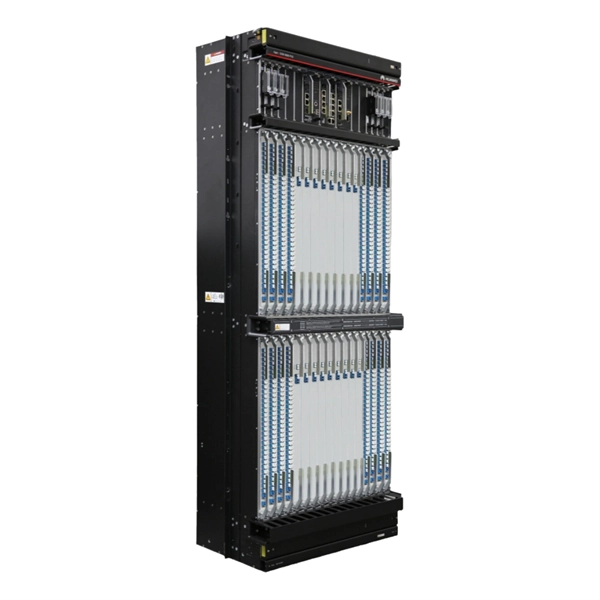
General Cable Tray Selection
Before selecting a cable tray, consider the following key factors: Cable Type and Volume: Determine the number and type of cables to be supported. Environmental Conditions: Assess indoor or outdoor usage, exposure to moisture, chemicals, or extreme temperatures. The Cable...
[PDF Version]
-
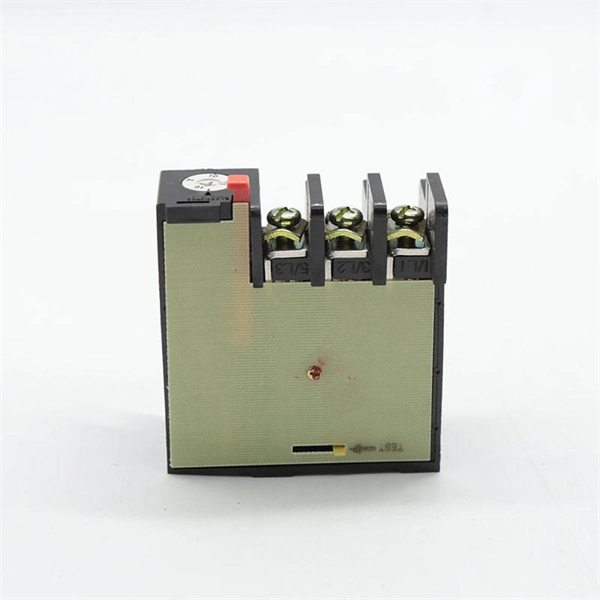
Cable tray construction site specific
This method statement covers the site installation of the cable tray & ladders and the requirements of checks to be carried out. This section will guide you through the necessary steps to ensure a successful. Cable tray (or cable ladder) systems are a popular alternative to...
-
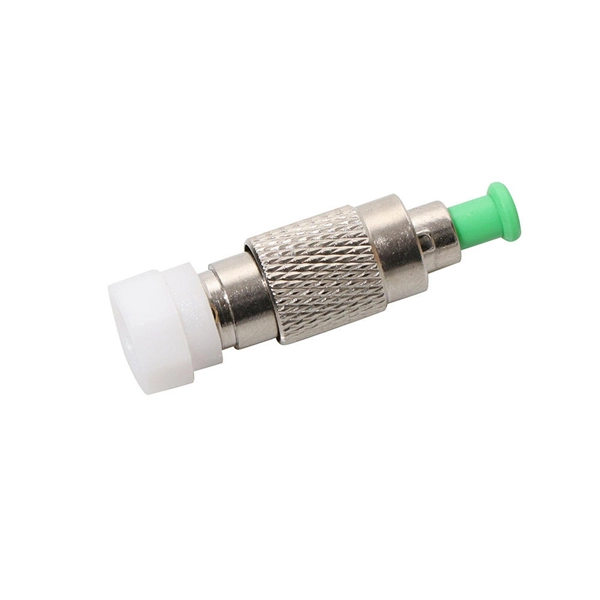
Telecom Broadband Optical Module Information
This comprehensive guide breaks down the internal structure, core components (TOSA, ROSA, lasers), and operational mechanisms of SFP optical modules, enriched with technical insights and real-world applications. Optical modules, also known as optical transceivers, are...
[PDF Version]
-
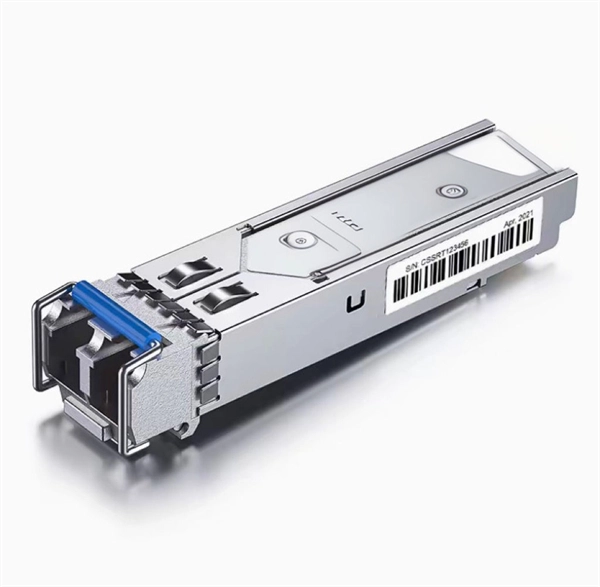
Bulgarian Telecom Long-Distance Fiber Optic Cable Bureau
BG designs, builds and maintains fiber networks, installs specialist optical connectors and manages IPv4 address space — with LIR status and SLA contracts for enterprise clients. FTTH / FTTx planning, design, OTDR certification. LC, SC, FC and specialist naval / . VTI. Metro...
[PDF Version]
-
100M Telecom Fiber Optic Router Setup Router Settings
Connect the router to the modem, then connect the router to a computer. Enter the default username and password for your router. This guide walks you through a complete TP-Link router setup using the browser-based web management page. Fiber optic internet delivers...
[PDF Version]
-

Selection Principles for Power Distribution Box Configuration
Medium voltage fits businesses and factories. This simple drawing shows your system clearly. Technical Principles TIP Navigation bar On every page you will find a navigation bar. Click on “Contents” at the top to view the contents page. 1 2 Con- tents Intro- duction...
[PDF Version]