
Tp Link Router With Fiber Optic
Search optical fiber, connectivity, cable management and network infrastructure references.
- Link
- Router
- Fiber
Articles and technical references
9 on this page-
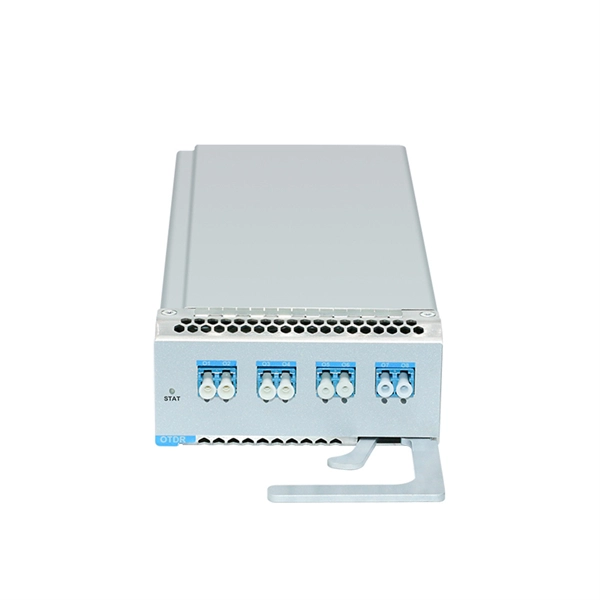
How to connect a fiber optic link aggregation router
How to Connect Fiber Optic Cable to Router: A Step-by-Step GuideHowever, setting up a fiber optic connection to your router can seem daunting if you're unf.
[PDF Version]
-
How to configure IP bandwidth control on a 100M fiber optic router
To control bandwidth in a router, follow these steps: Sign in to the router's admin panel. Go to the Bandwidth Control section. Click the Add New. Before configuring bandwidth management, it's important to identify: Total available bandwidth from ISP (e., 100 Mbps download /...
[PDF Version]
-
How to change the gateway on a fiber optic router
Follow these steps to access and change your router settings Open Command Prompt and type 'ipconfig'. Enter username and password (default is often 'admin' for both). [Wireless Router] How to set up ASUS Router with ONT (Fiber Connection from ISP / Singtel) *Not applicable...
[PDF Version]
-
How to restore a router s fiber optic cable if it s short
This wikiHow article will teach you how to splice a cut fiber optic cable back together with a fiber optic stripper and cutter and a fiber optic crimper. Trim off any frayed or damaged ends of the cable. If you have the right tools and knowledge, you can definitely find the...
[PDF Version]
-
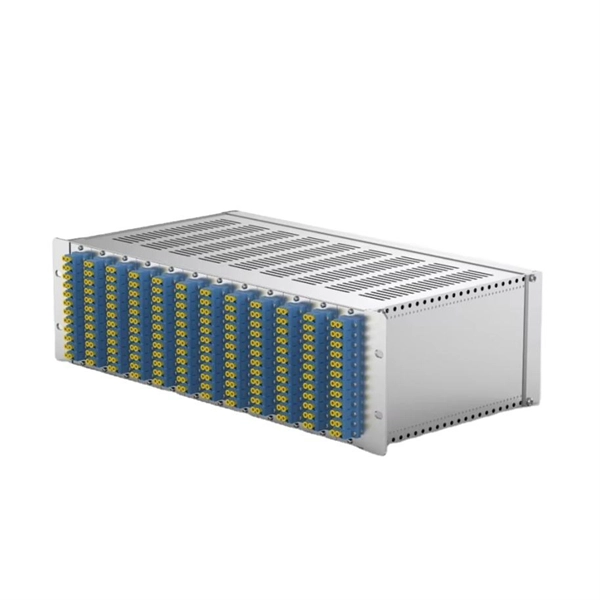
Fiber Optic LAN Router Configuration
To set up your router for fiber internet quickly, connect the router to your fiber modem, access the router's settings via a web browser, and input the provided ISP credentials. Compatible router: Verify that your router supports fiber optic input (look for an SFP or WAN port...
[PDF Version]
-
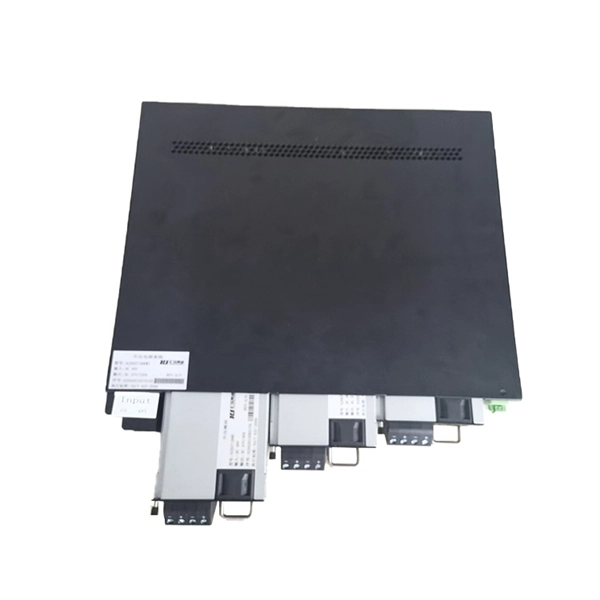
Wireless Router Fiber Optic Light Red Indicator
If the LOS light is blinking red on your fiber router or ONT, it usually means Loss Of Signal. This guide explains the meaning, common causes, safe home checks, and when the issue needs technician support. LOS means the fiber signal is not reaching the ONT/router properly...
[PDF Version]
-
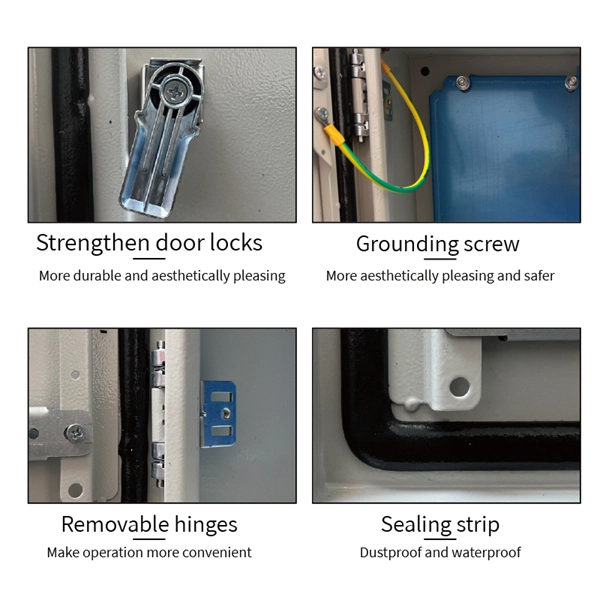
What size router should I pair with fiber optic broadband
The best router for fiber internet is one that matches your plan speed, home size, and how you use your connection. Our top overall pick is the Netgear Nighthawk RS700S, a Wi-Fi 7 router built for multi-gig fiber plans that handles up to 200 devices across 3,500 square feet...
[PDF Version]
-
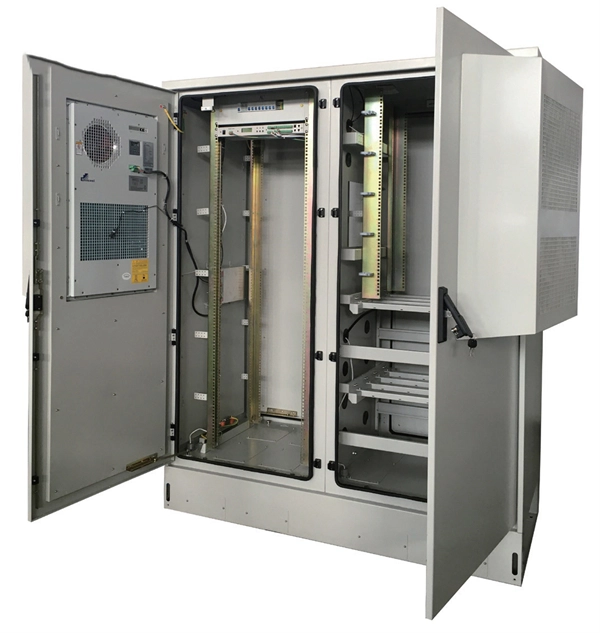
100M Telecom Fiber Optic Router Setup Router Settings
Connect the router to the modem, then connect the router to a computer. Enter the default username and password for your router. This guide walks you through a complete TP-Link router setup using the browser-based web management page. Fiber optic internet delivers...
[PDF Version]
-
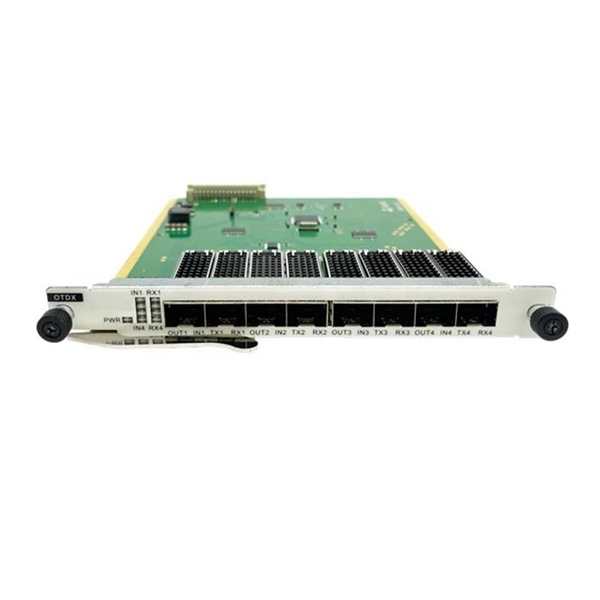
How to set up a fiber optic Mercury router
To set up your router for fiber internet quickly, connect the router to your fiber modem, access the router's settings via a web browser, and input the provided ISP credentials. Make sure to update the firmware, configure Wi-Fi security, and customize your network name for...
[PDF Version]