
Troubleshooting S Series Switch Port And Interface Problems
Search optical fiber, connectivity, cable management and network infrastructure references.
- Troubleshooting
- Series
- Switch
Articles and technical references
10 on this page-
Switch Optical Port Stacking Principle
Stacking is the process of connecting multiple physical network switches together, so they function as a single, logical switch. This logical switch features a unified management IP address, a single configuration file, and shared forwarding tables (such as MAC address...
[PDF Version]
-
Broadband Management Switch Port Aggregation
Port aggregation allows you to group multiple physical ports into one unit. This method increases bandwidth and keeps connections stable if one link fails. It helps in managing higher traffic loads between switches.
-
Switch optical port receives optical signals
An all-optical Ethernet switch is a network switch whose service ports are entirely optical, meaning every interface uses fiber rather than copper. This design enables end-to-end optical signal transmission, avoiding the conversion between electrical and optical signals at...
[PDF Version]
-
Checking port optical power on an H3C switch
Use the display poe interface interface-type interface-number command to display the PoE status of a specific port on the switch. We connect Moduletek QSFP-40G-LR4 transceiver to H3C S6820 switch, and demonstrate how to view port status and transceiver details on H3C devices...
-
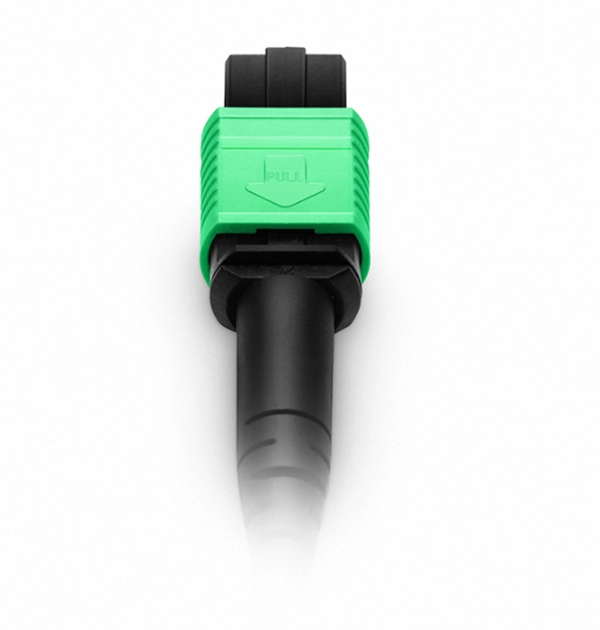
How to use the fiber optic input port of a switch
In this video, I'll break down 3 easy and practical ways to use fiber ports for high-speed connections: ✅ Method 1: SFP Copper Transceivers (RJ45 Media Converters) ✅ Method 2: Optical Modules + Fiber Patch Cables (LC-LC, Multimode/Singlemode) ✅ Method 3: Plug-and-Play. In...
[PDF Version]
-
Single-fiber single-mode optical port switch
Fiber optic switches (single-mode fiber optical switches) are passive devices possessing two or more ports which selectively transmits, redirects or blocks optical power in an optical fiber transmission line. They help make the network versatile and flexible, and perform...
[PDF Version]
-
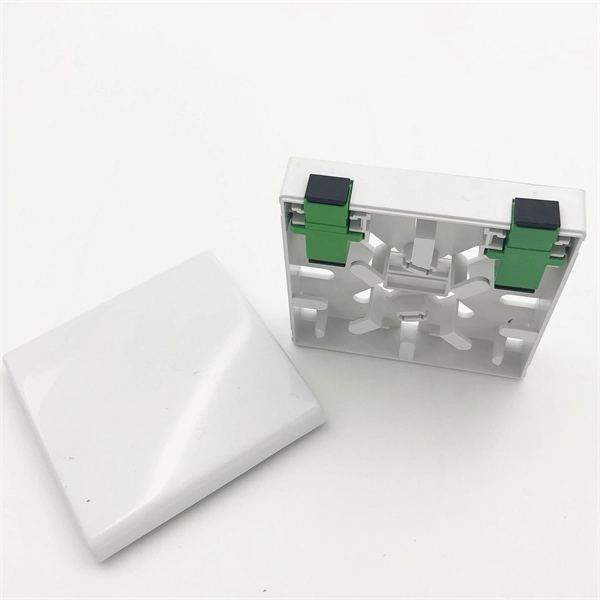
Switch optical port not working restart works normally
If the link light for the port does not come on, you can consider these possibilities: Connect cable from switch to a known good device. Make sure that both ends of the cable are plugged into the correct ports. This document describes how to determine why a port or interface...
[PDF Version]
-
Huawei Switch 8-Port Optical Interface
Huawei S7X08000 can be installed on S5731 series and S5732 series switches, provides 8 10GE SFP+ optical ports to implement data access and line-speed switching. After the change, the first two ports are 25GE ports, and the last six ports become. Table 9-133 lists the mapping...
[PDF Version]
-
Switch fiber optic interface is not working
Things to check if the SFP/SFP+ link is not coming up. Ensure that a compatible transceiver is used. This document describes how to troubleshoot fiber optic interfaces by addressing some of the fiber optic module and cabling specifications. The information in this document is...
-
Switch optical port CRC
This article describes the steps for troubleshooting CRC errors. CRC errors are mainly Layer-1 issues. If possible, try swapping the. This document describes what a CRC is, how it is used in the Frame Check Sequence (FCS) field of Ethernet frames, how CRC errors manifest on...
[PDF Version]