
What Is A Network Cabinet
Search optical fiber, connectivity, cable management and network infrastructure references.
- Network
- Cabinet
Articles and technical references
10 on this page-
What are some network cabinet kits
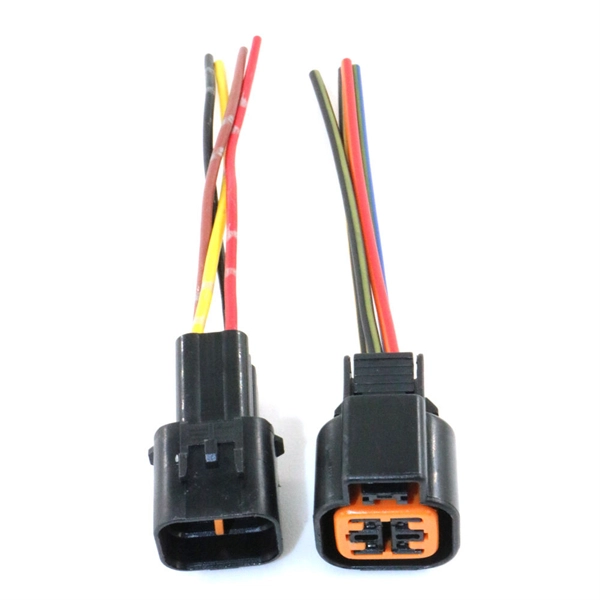
A complete network cabinet package needs power management tools, cooling solutions, cable organization systems, security features, and monitoring equipment. Together, these reduce downtime by 18% and keep your IT infrastructure running smoothly. Let's explore each category...
[PDF Version]
-

What to do if the network cabinet door is bent
Fortunately, most warped doors can be restored to a flat, functional state using specific DIY techniques. This guide offers solutions ranging from moisture-based correction for minor bends to mechanical reinforcement for severe distortions. The front door's hinge/pins sit in...
[PDF Version]
-
What does a network optical splitter do
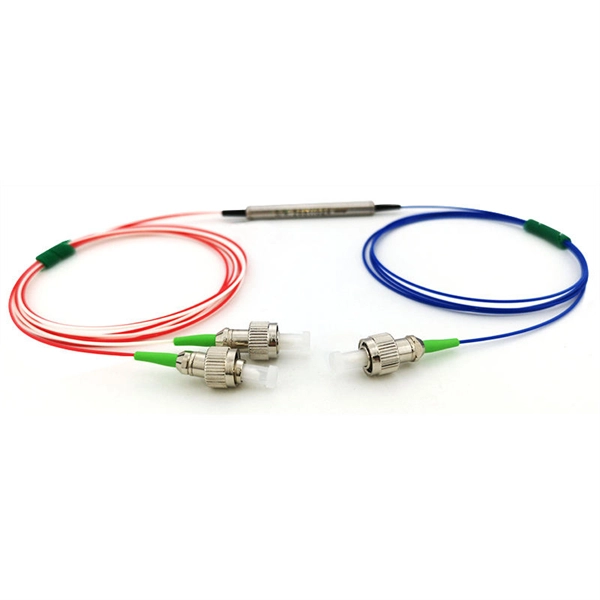
Optical splitters are also called fiber optic splitters. They split one light signal into many outputs. These devices do not need power or. A fiber optic splitter is a passive optical component that divides a single incoming optical signal into two or more outgoing signals...
-

What is a network cable tray
Cable tray systems are frameworks designed to support and organize network cables. They help keep cables off the ground, prevent tangling, and improve accessibility for maintenance or future upgrades. It acts as a dedicated pathway for power distribution and data...
-
What equipment is inside the wiring cabinet
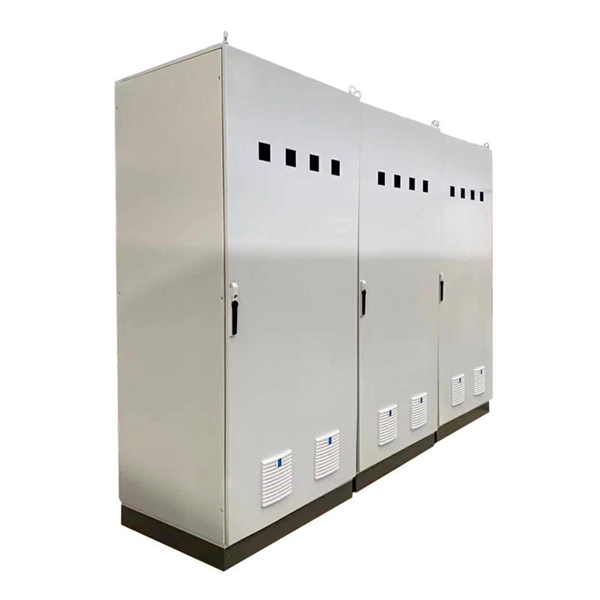
Electrical enclosures typically contain circuit breakers, contactors, busbars, terminal blocks, switches, and wiring components. Additional accessories such as DIN rails, cable glands, cooling devices, and monitoring sensors help support mounting, wiring management, and...
[PDF Version]
-
What is the width of a network server rack
The most common rack width is 19 inches on the inside. This follows the EIA-310 standard, which defines the mounting space between the vertical rails. Nearly all rack-mounted equipment—servers, switches, patch panels—is built to fit this standard 19” width. Rack Units...
[PDF Version]
-

What are some manufacturers of network cabinets in Australia
Discover Australia's top 8 server cabinet manufacturers, including Eabel and Argent, offering innovative, secure, and customizable solutions for IT infrastructure. Legrand Australia specializes in electrical installations and digital building infrastructures, offering a wide...
[PDF Version]
-
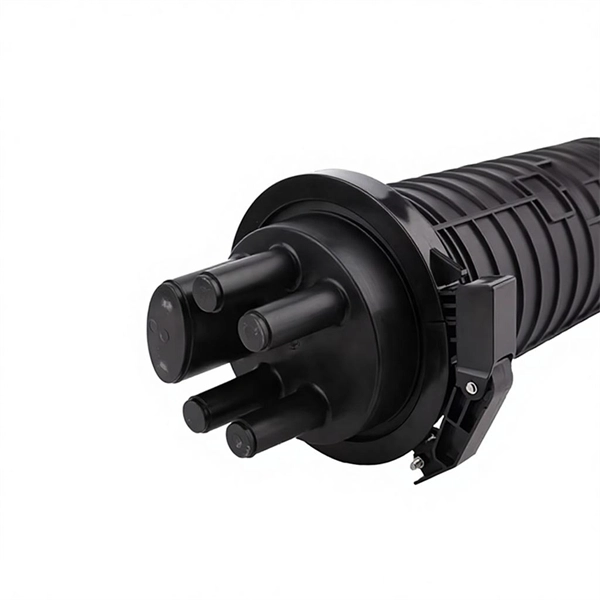
Network Cabinet Installation Principles
This guide provides essential best practices for server rack setup and organization, covering steps for effective installation, cable management, standards compliance, power distribution, cooling methods, and security measures. An in wall network cabinet is a special type of...
-
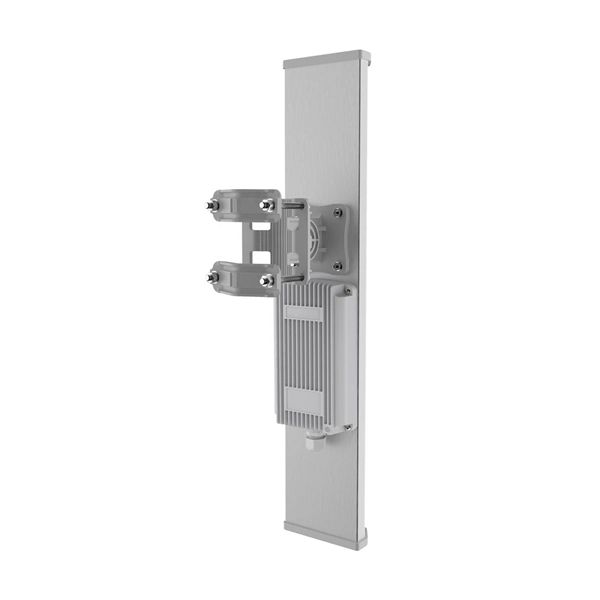
42u Network Cabinet Standard
A common size is 42U, which means it can hold 42 units of equipment. This is called the EIA-310 standard. The outside of the rack is often 24 inches wide to leave space for cables. How to Choose a 42U Server Rack Cabinet for Your Data Center or Server Room Quick Specs – 42U...
[PDF Version]
-
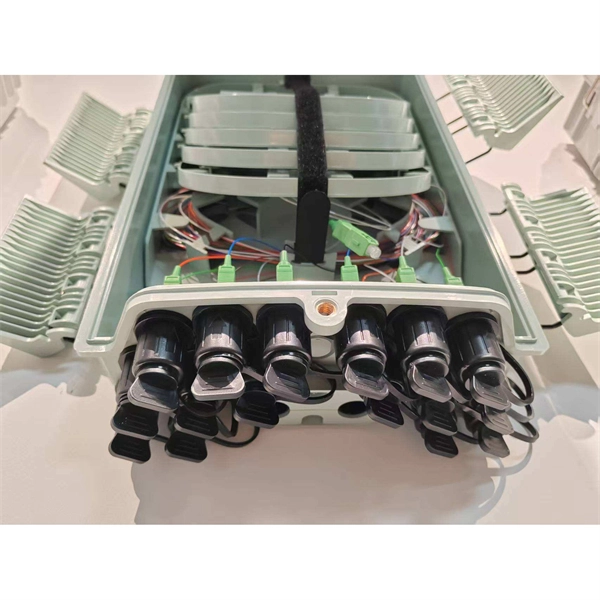
How to install the doors on both sides of the network cabinet
Lift the door off the bottom hinge, and then set the door aside. Repeat the. The cabinets are available in 600mm and 800mm widths and 600mm and 800mm depths. instructions cover other depths, widths and heights as well as standard door installation. Instructions for...
[PDF Version]
Continue in the technical library
- Can multimode fiber replace it
- Distance between telecommunications fiber optic cables and utility poles
- The Relationship Between the Global Energy Interconnection and Ultra-High Voltage Transmission
- Outdoor Communication Power Supply Cabinet 220V Specifications and Models
- Principles for the Location of Distribution Boxes
- Latest Testing Standards for Pigtail Cables