
Technical notes
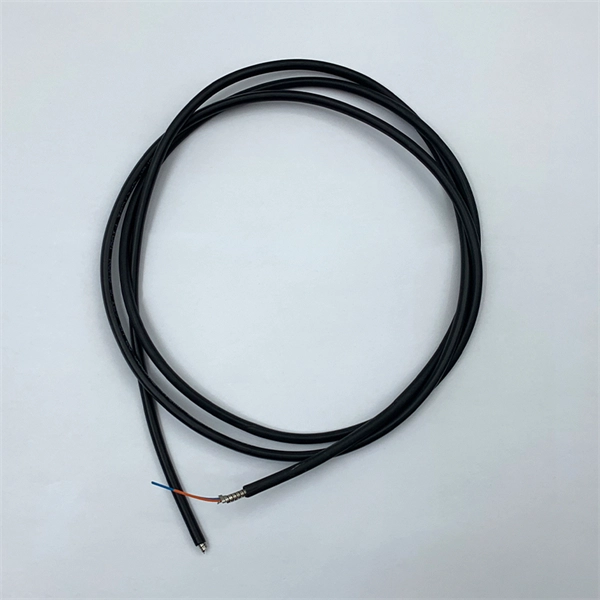
How to connect a new optic fibre to an ethernet switch
The objective is to run 1 or 2 additional optic fibre from the main switch down to the shed in the back of my garden and down to the garage as well. Here''s a quick sketch to present the layout
Fiber Optic Switch: A Comprehensive Guide
Mechanical optical switches physically move a fiber, prism, or mirror to redirect the light beam to a different output port. Drive mechanisms include stepper motors, electromagnetic relays,
Fiber Optic Switches Information
Common switch features include rack mountable and LED indicators. An important environmental parameter to consider for fiber optic switches is the operating temperature.
THE BASICS OF FIBER OPTIC CABLE a Tutorial
While fiber optic cable itself is cheaper than an equivalent length of copper cable, fiber optic cable connectors and the equipment needed to install them are more expensive than their copper
Article / Determining Fiber Optic Switches
The number of switch positions required will be re-lated to how many devices or networks to which you want to send your data. This paper will evaluate the elements required to design a fiber optic network
An Ultimate Guide for Selection of Fiber Optic Cables and Connectors
Since cables and connectors are essential elements of a fiber-optic network, it is important to select the right types of cables and connectors for specific applications. However, the selection of these two
How To Terminate Fiber Optic Cable
Terminating a fiber cable involves preparing the end of the cable to connect to networking equipment like switches, routers, or other cabling. The goal is to terminate the fiber so that the optical
How to Cut Optical Fiber Cable | Step by Step Guide for 4 Core Fiber
In this video, you will learn how to cut optical fiber cable step by step. We demonstrate the proper method for 4 core fiber cutting using the right tools. This tutorial is perfect for beginners
101 Guidelines for Fiber Optic Cable Installation
A fiber optic cable should be tested three separate times during an installation: on the reel, the splicing test, and the final acceptance test. Extreme caution should be observed when performing an aerial
Fiber Optic Cable Types Explained: Choosing the Right Fiber Cable
Explore different types of fiber optic cables, from single mode to armored and LC uniboot options. Learn how to choose the right fiber jumper for your data center, telecom, or FTTA
Fiber Optic Switches Information
Fiber optic switches route an optical signal without electro-optical and opto-electrical conversions. Types of Fiber Optic Switches Fiber optic switches can interface with two types of cables: single mode
Fiber Polarity Basics | Fluke Networks
Fiber polarity is the direction that light signals travel from one end of a fiber optic cable (link) to the other. A link''s transmit signal (Tx) must match its
Multi-mode optical fiber
Multi-mode optical fiber is a type of optical fiber mostly used for communication over short distances, such as within a building or on a campus. Multi-mode links can be used for data rates up to 800 Gbit/s.
Fiber Optic Cable Installation: How To Properly Install It
A comprehensive guide to fiber optic installation - everything you need to know about fiber optic cabling for your network installation.
How to Terminate Fiber Optic Cable Fast and Easily
Fiber optic termination is a necessary step for installing a fiber optic network. It is a physical connection of a fiber optic cable to create a seamless connection between similar or
How to choose the right fiber cores
How to Choose the Right Number of Fiber Cores for Your Network In modern communication networks, fiber-optic cables are a key component for achieving high-speed and reliable data transmission. The
How Many Core In Fiber Optic Cable Do I Need
The number of fiber cores mainly depends on interface of fiber connection equipment and type of the device,read details in this blog.
Full Guide to Fiber Optic Color Coding | Breakdown with Examples 2024
In this week''s video, Ben Hamlitsch explains everything you need to know about fiber optic color coding. He covers what each cable and connector color represents and shows off some of the fiber