
How do you configure router settings?
Sometimes, the network settings on your PC aren't enough for your needs. If you need access to remote management or your IP address, you can log in...
Search optical fiber, connectivity, cable management and network infrastructure references.
Lift the door off the bottom hinge, and then set the door aside. Repeat the. The cabinets are available in 600mm and 800mm widths and 600mm and 800mm depths. instructions cover other depths, widths and heights as well as standard door installation. Instructions for...
[PDF Version]
To plan your patch panel port density and rack cable layout, first estimate how many ports you need in your rack. Rack height is measured in rack units (U). We'll cover technical best practices, procurement tips, real-world challenges, and answers to common questions. Whether...
[PDF Version]
4 Gbit/s backplane capacity and application support for PROFINET and EtherNet / IP, this switch offers a powerful and versatile networking solution. With completely support of Ethernet Redundancy protocol, O-Ring (recovery time < 30ms over 250 units of connection), O-Chain...
[PDF Version]
The ring interface adapts a token passing network of work-stations from coaxial cable to 50 micron core, telecommunications type, fiber optic cable. Each node is connected to two other nodes, forming a ring-like structure. This design ensures data can travel in both...
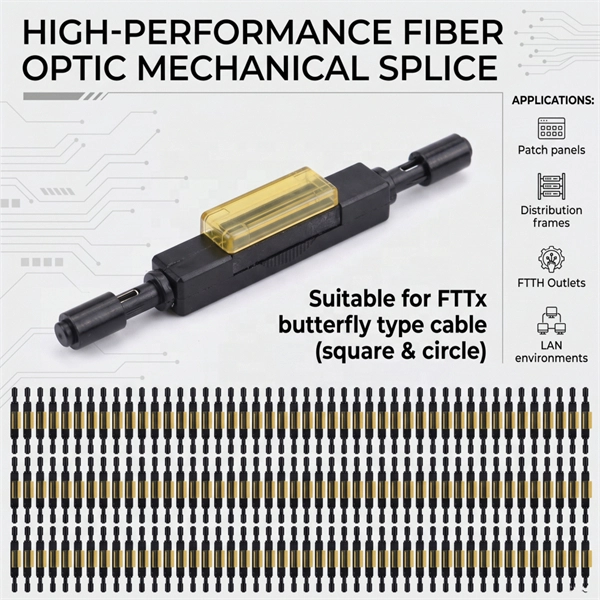
This guide combines industry best practices with advanced protective solutions like shock pallets and custom server-rack crates to help you move racks safely, efficiently, and with confidence. Server racks contain tightly mounted components that can shift or break under...
[PDF Version]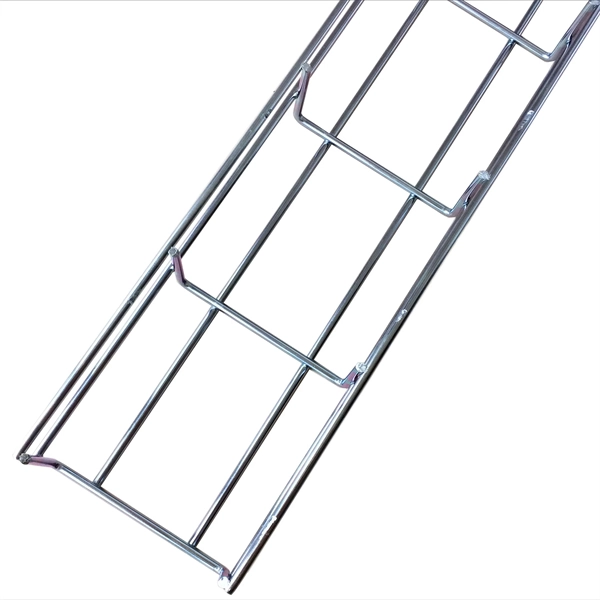
This guide explains smart rack cabling steps that work for homes and small businesses. You will learn layout basics, spacing rules, labeling habits, and grounding steps. Cables plug in, and devices turn on. This guide. How do you figure out the right number of rack units for...
[PDF Version]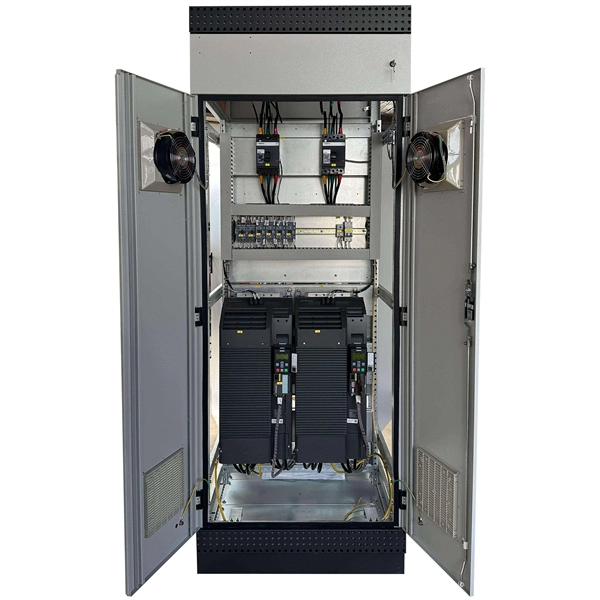
Connect one RJ-45 port on the switch to a network. In a high-speed network, use port 9 or 10. The following table describes the network cables that you can use for the switch connections and the speeds that these cables can support, up to 100 meters (328 feet). Even if you've...
[PDF Version]Sometimes, the network settings on your PC aren't enough for your needs. If you need access to remote management or your IP address, you can log in...
You use a gigabit ethernet cable, sometimes called a crossover cable, to connect a router to a switch. Since crossover cables are pretty short, you...
Having a wired connection gives you access to gigabit speeds of up to 1 gigabit per second (Gbps) or 1000 megabits per second (Mbps). While Wi-Fi f...
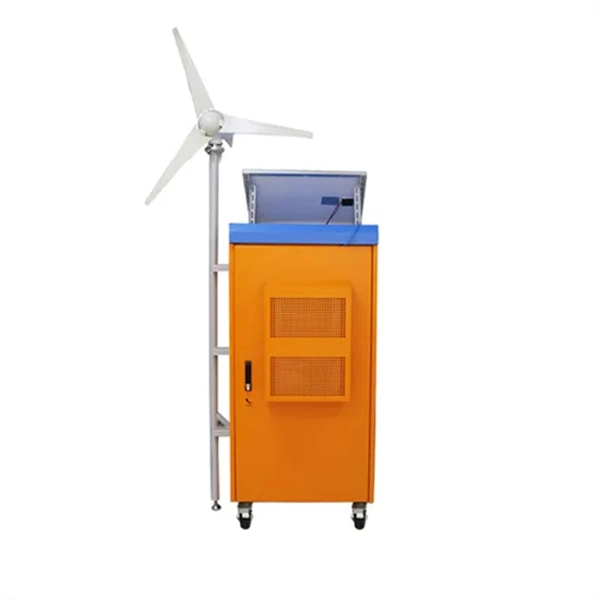
If your ISP doesn't require a technician to set up your connection, these are the steps to self-install fiber internet: Locate your fiber network terminal. Connect the fiber terminal to the network box. The fiber. In this guide, we'll walk you through how to connect a fiber...
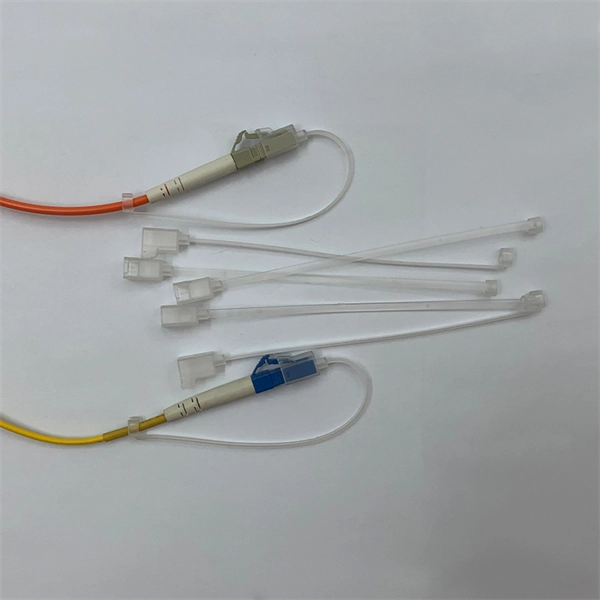
Setting up and using a network switch effectively is straightforward. Just plug your devices into the switch using Ethernet cables, power it up, and—if desired—take advantage of optional configuration features for better network management and performance. However, a network...
[PDF Version]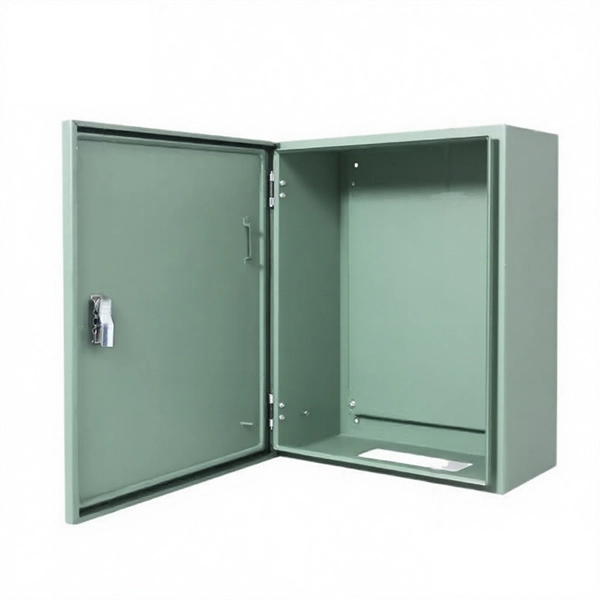
Learn how to splice fiber optic cable using fusion splicing with this complete step-by-step guide. Includes tools, best practices, loss standards (ITU-T G. 652), cost analysis, and FAQs for network engineers and installers. In this guide, you will find a chronological...
[PDF Version]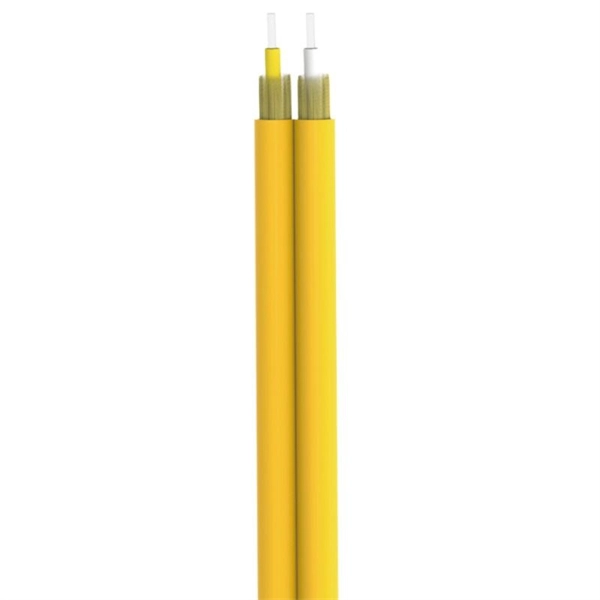
Excavate the cable at the break point and use a fiber optic cutter to remove the damaged section. Use a high-precision fiber cleaver to prepare the fiber ends for splicing. This guide offers practical steps to troubleshoot fiber optic cable issues, covering common problems...
[PDF Version]Share the fiber interfaces, termination capacity, cable route and evidence required for handover.